Application Description
Discover Naver App's exclusive search tools and diverse features. Smartphones
Get a wealth of mobile-optimized information! Experience the NAVER app, which unveils a fresh world every day.
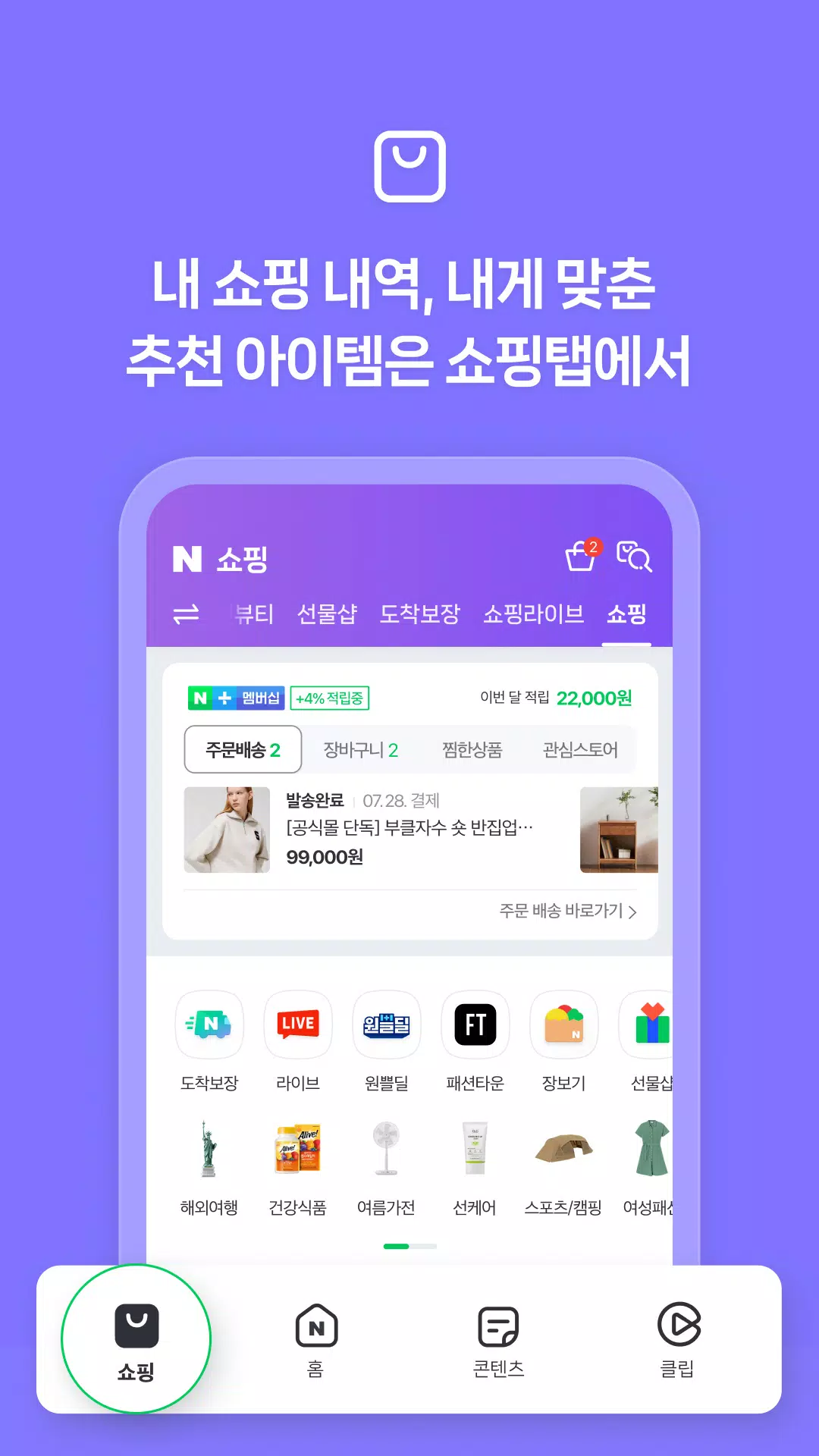
The NAVER app offers four dedicated tabs for different content. Switch between them based on your needs: use 'Home' for your daily essentials, ‘Clip’ for quick and easy short videos, ‘Content’ for news and articles, and ‘Shopping’ for personalized retail. Download the NAVER app today and add smart convenience to your routine!
1. See vital daily info immediately on the first-page widget board.
The Home tab features a widget board for instant access to today's weather, stock prices, and your most-used services.
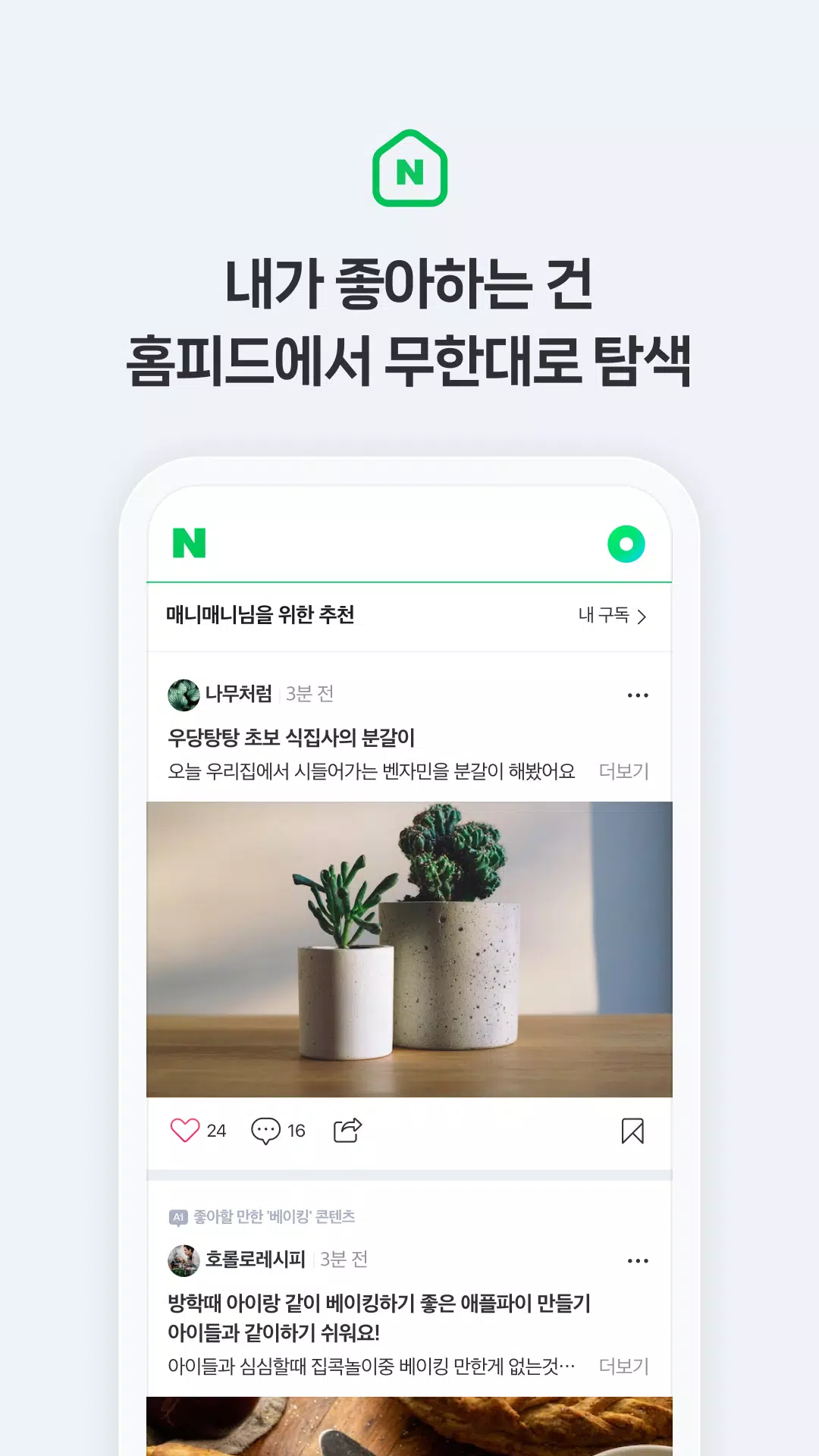
2. Endlessly explore your interests in the home feed.
Receive unlimited custom recommendations based on your interests and activity. Discover 'smart blocks' grouping content around your searches and 'My favorite theme' feeds tailored to your patterns.
3. Dive into short-form videos in the Clip tab—brief and captivating.
Enjoy short videos in the Clip tab during breaks, spare moments, or before sleep. Get recommendations on your favorite topics, from vlogs to live performances by preferred artists.
4. Access your tools instantly with Na.
Swipe down from the top of the home screen to open Na. for quick access to personal tools like payments, coupons, memberships, passes, certifications, and bookings.
5. Simplify daily tasks with Green Dot AI search.
Try Green Dot, an AI search tool designed for daily convenience. Enjoy enhanced search functions like Lens for image-based searches, music search to identify songs, hands-free voice search, and location-based queries for nearby restaurants and more.
※ Supports Wear OS devices.
Use the NAVER app directly from your Wear OS device.
From your wrist, check real-time updates like weather and stocks, and use memberships, coupons, and tap-to-pay. You can also instantly access frequent tools like Weather and Pay via tiles and complications.
- Weather information is currently provided for Korea only.
※ Required Permissions Details
- Location: Enables location-based navigation, search, and tagging your current spot.
- Camera: Take or attach photos, and search using QR codes or images.
- Files and Media (photos, video, audio): Use device files for features like image search. (Photo/video access is not required on devices with OS 13.0+ from NAVER App 12.7.0 onward.)
- Microphone: Use voice and music search, voice translation, and voice attachments.
- Contacts: Access stored contacts for features like transfers, gifting, and address book.
- Phone: Required to verify your device's mobile number for services like NAVER certification, password-free login, and NAVER Pay.
- Physical Activity: Required to count steps on NAVER's pedometer service.
- Notifications: Required to receive key announcements, event updates, promotions, or step counts in your device's notification center (Available on devices with OS 13.0+ only).
※ NOTE
For the optimal NAVER app experience, we recommend Android OS 7.0 or later. For any issues, please submit inquiries via the NAVER app's Settings > Customer Center.
----
Contact information:
1588-3820
NAVER 1784, 95, Jeongjail-ro, Bundang-gu, Seongnam-si, Gyeonggi-do
Books & Reference


 Download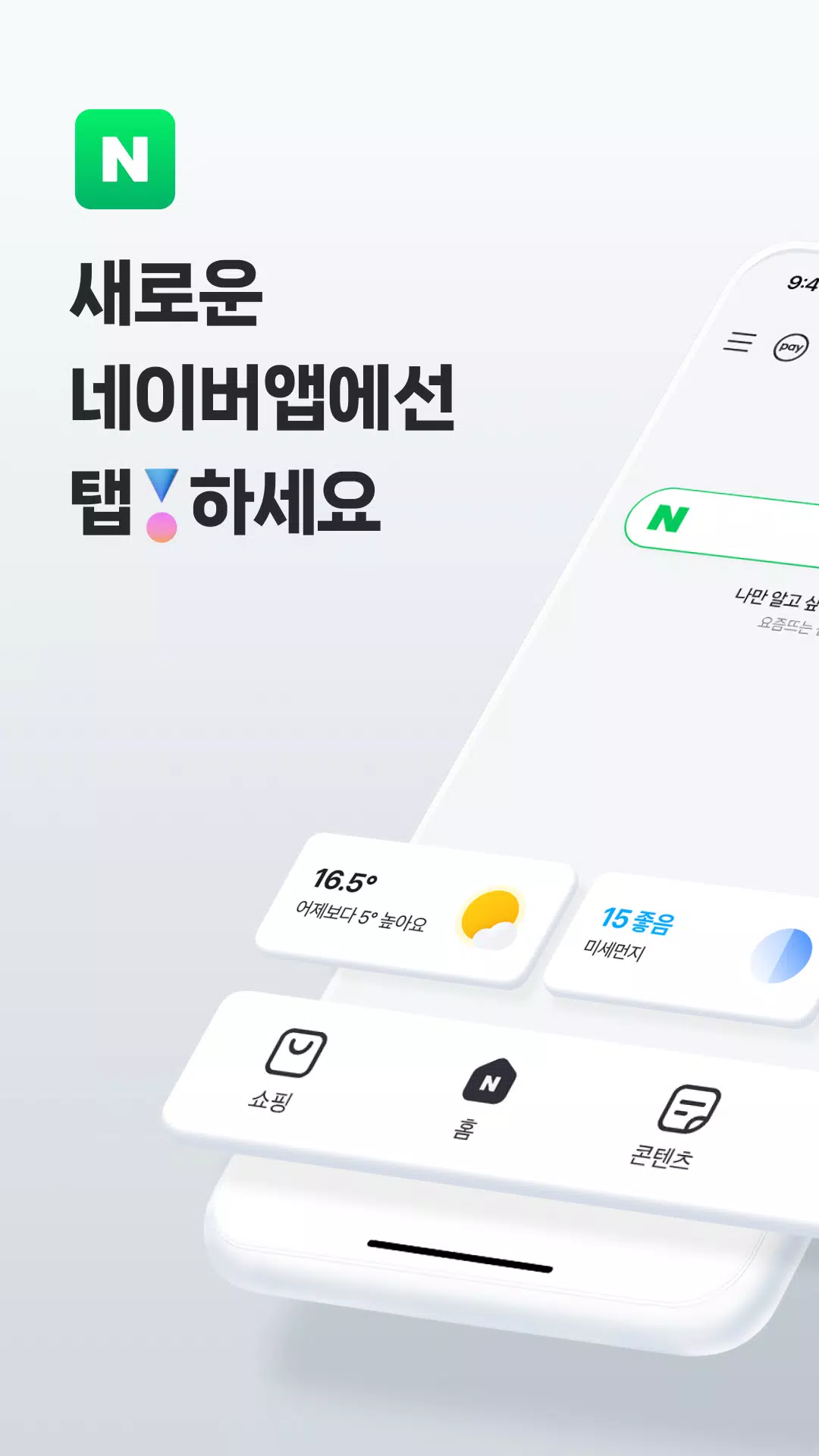

 Apps like 네이버 - NAVER