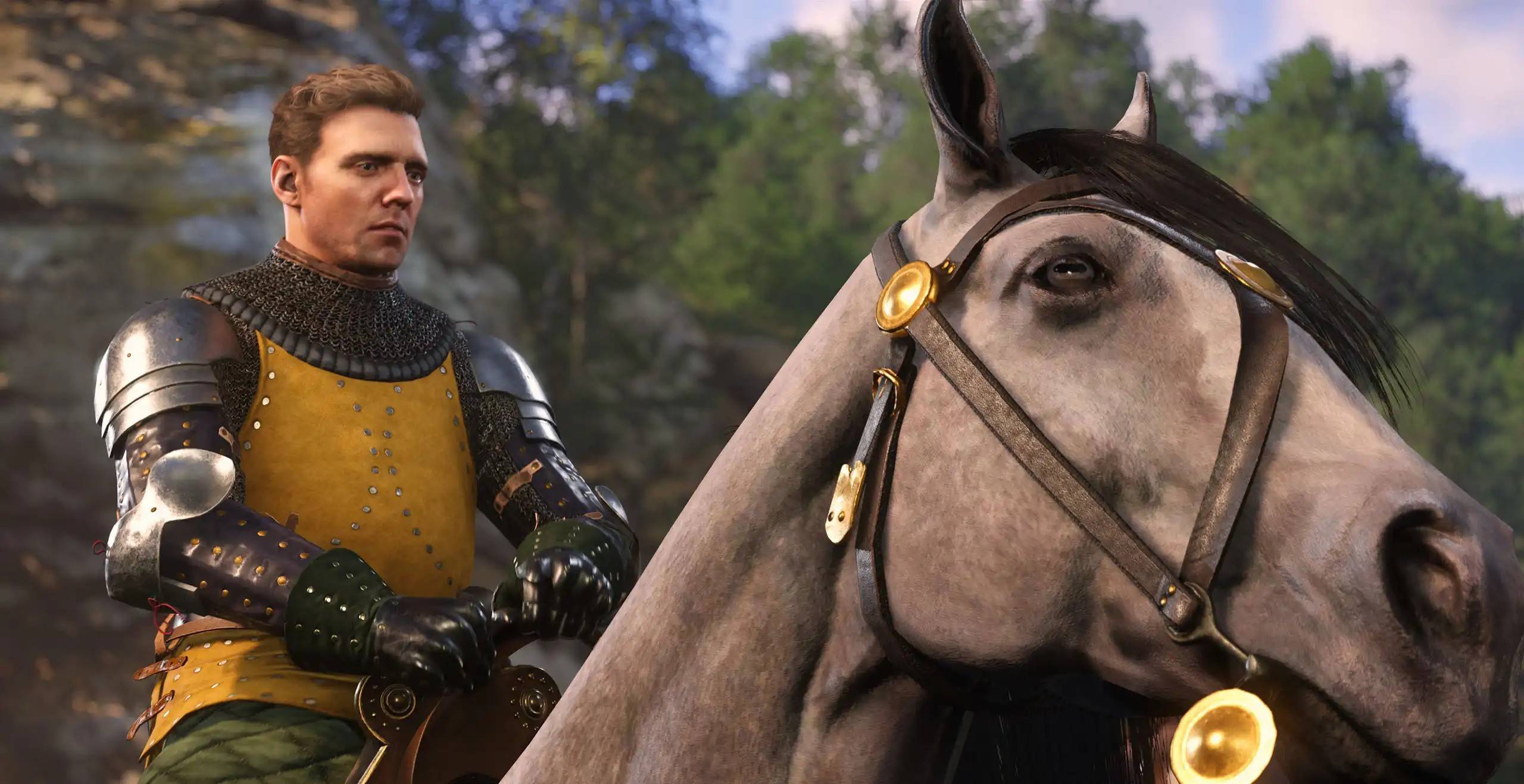
Despite being out for a couple of weeks, many gamers are still grappling with getting *Kingdom Come: Deliverance 2* running smoothly. A significant issue causing frustration, particularly on PC, is stuttering. Here’s a detailed guide on how to fix *Kingdom Come: Deliverance 2* stuttering on PC.
How to Deal With Kingdom Come: Deliverance 2 Stuttering on PC
Gamers have been vocal on platforms like Reddit about their struggles with *Kingdom Come: Deliverance 2*. The PC version often experiences noticeable stuttering, which is frustrating, especially for those who meet the game's system requirements. Fortunately, the community has identified several solutions to address this issue.
The first recommended fix is to download and install the NVIDIA GeForce Hotfix Driver Version 572.24 for Windows 10 and 11, released a week after *Kingdom Come: Deliverance 2*. Many players report that this hotfix significantly reduces stuttering and also helps resolve crashing problems.
However, some gamers continue to experience stuttering even after installing the hotfix, particularly those using a Bluetooth controller. The issue seems to be related to the wireless connection. A simple solution that has worked for many is to switch from using a Bluetooth controller to connecting it via a USB cable, which often results in smoother gameplay.
If these solutions don't work, it's time to delve into the game's settings. *Kingdom Come: Deliverance 2* offers a variety of Advanced Graphics Settings that can be adjusted to optimize performance. Options include Lighting, Shader quality, and Textures. Although lowering these settings might compromise visual quality, it could be necessary to eliminate stuttering. Start by reducing settings from High to Medium and from Medium to Low until you find a balance that works.
For those who resolve the stuttering issue with other solutions and don't need to lower settings, there's an opportunity to enhance the game's visuals further. The Escapist’s guide on the best PC settings for high FPS in *Kingdom Come: Deliverance 2* is an excellent resource to help you maximize your gaming experience.
And that’s how you can fix *Kingdom Come: Deliverance 2* stuttering on PC. For additional enhancements, consider checking out the best mods available for Warhorse Studios' title.
*Kingdom Come: Deliverance 2 is available now on PlayStation, Xbox, and PC.*

 LATEST ARTICLES