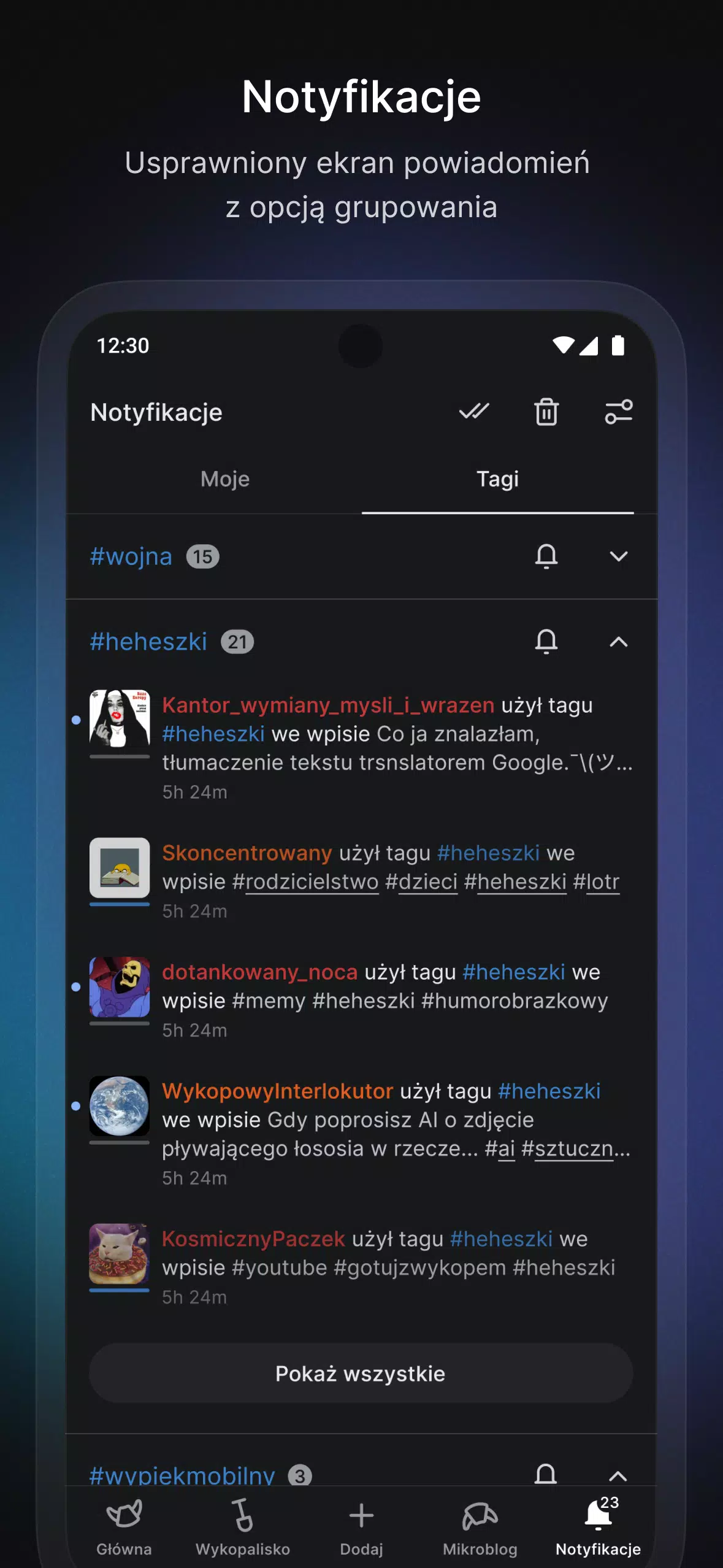
Nostalgic Interface: The app's design draws inspiration from the classic version of the website, evoking a sense of nostalgia for the community's long-time members.
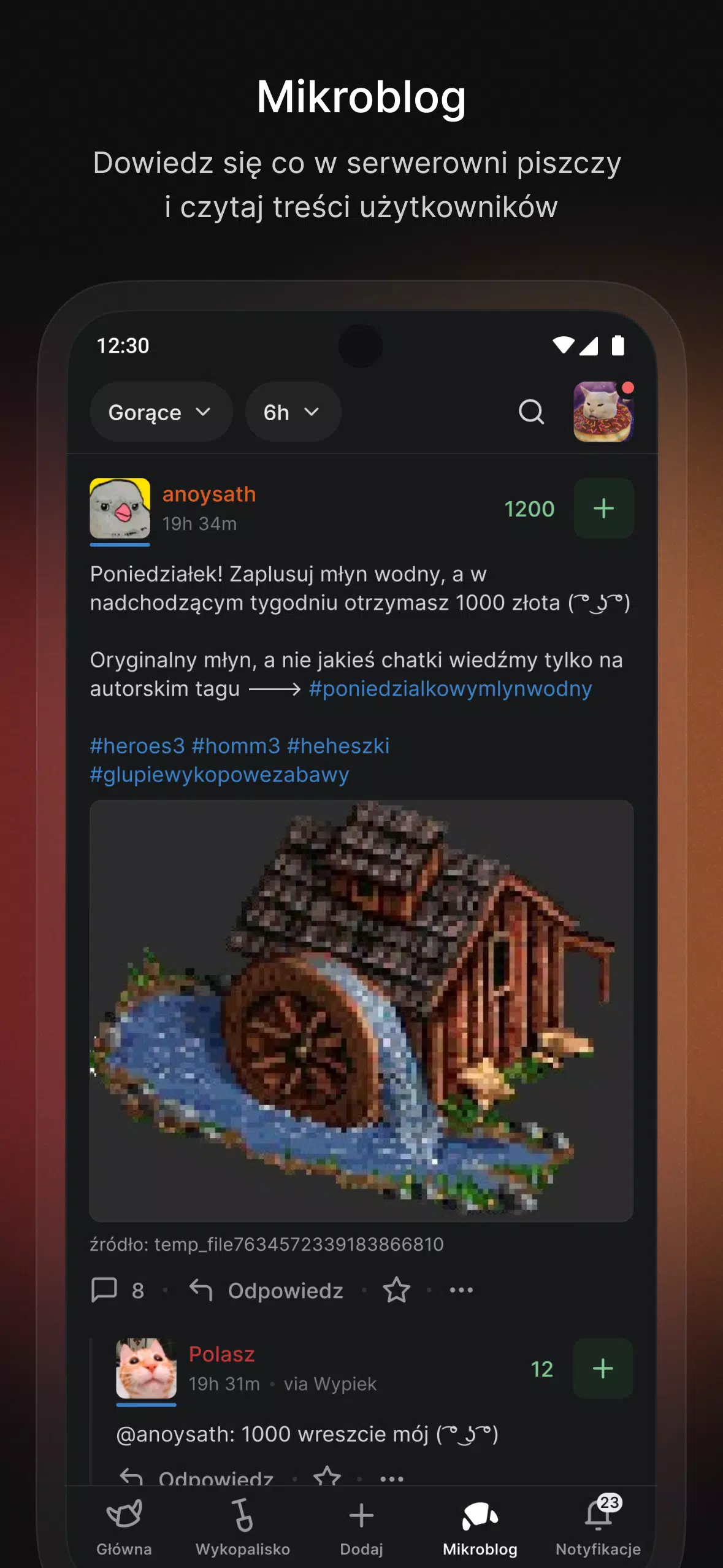
Enhanced Multimedia Browsing: Enjoy a better experience for viewing photos and videos, featuring Picture-in-Picture mode for videos and seamless in-app content links.
Seamless Navigation: Refined navigation and intuitive gestures make exploring and engaging with platform content effortless.
Shareable Content: Users can now share entries and comments as images, providing more visually engaging options for sharing.
Added Features: Beyond the website's core offerings, the app will soon support tablets, introduce category filters, and provide new ways to interact with the portal.
FAQs:
Is this app officially associated with the Wykop portal?
No, this is an unofficial Wykop application designed to improve the user experience on the platform.
Can I access all website features within the app?
The app currently supports most website functionalities, with plans to add more features in upcoming updates.
Is the app available for both iOS and Android?
Yes, Wypiek is available for both iOS and Android devices, including smartphones and tablets.
Conclusion:
With its nostalgic interface, enhanced multimedia browsing, seamless navigation, and visual sharing options, Wypiek delivers a unique and improved experience for Wykop users. As the app evolves with new features and updates, users can expect an even more engaging and user-friendly platform for discussions, content sharing, and community interaction. Download now and immerse yourself in the croissant-themed world of Wykop!
What's New in the Latest Version
- Fixed logout-related issues,
- Resolved a problem where the keyboard wouldn't close after adding an image,
- Added a style toggle button to the side menu,
- Fixed an issue where information banners would not disappear,
- Disabling a green account now correctly hides its notifications,
- Clicking below text in the editor now correctly moves the cursor to the end,
- Tapping the top bar in the editor now closes the keyboard.


 Download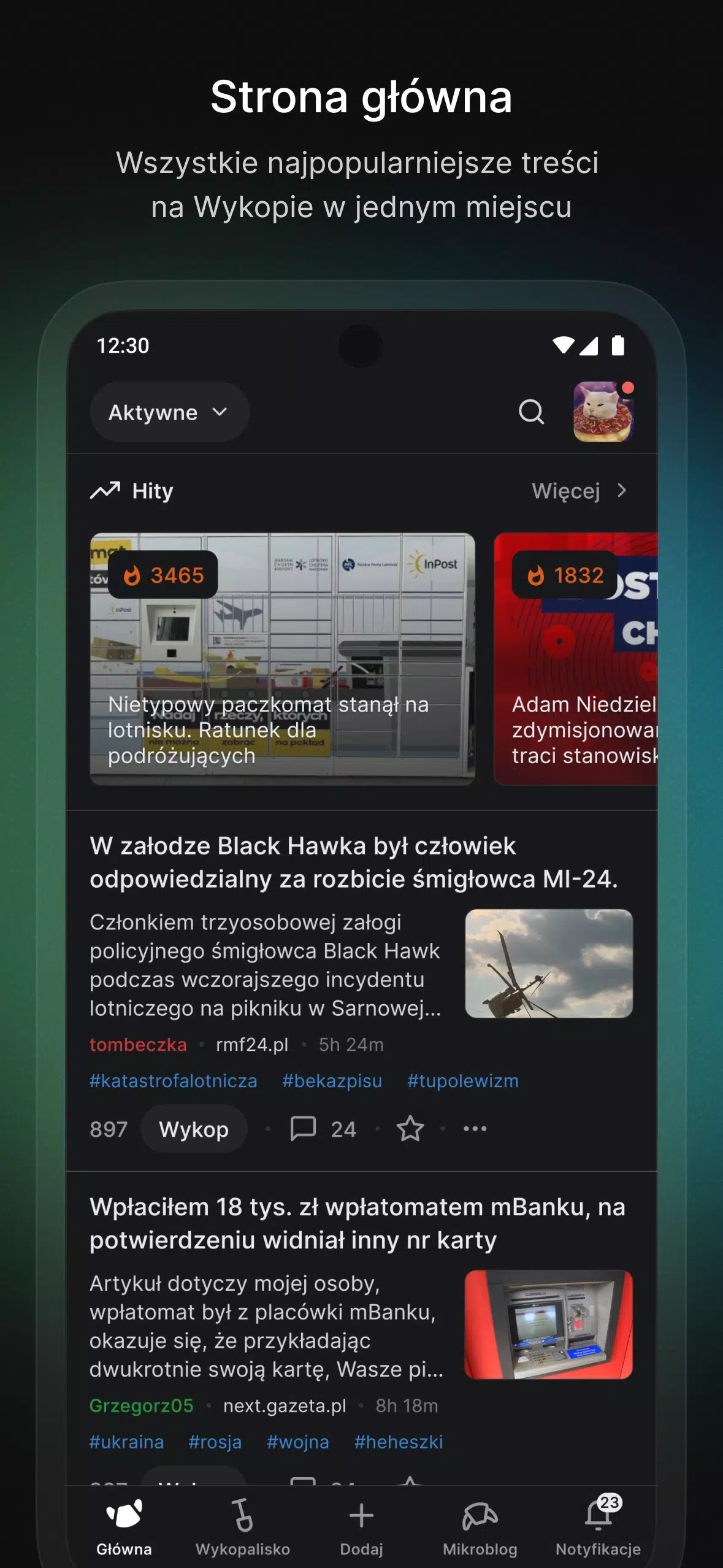
 Application Description
  Apps like Wypiek