Heim Apps Werkzeuge APKMirror Installer (Official)
APKMirror Installer (Official)

APKMirror Installer (Official)

Werkzeuge 1.7.1 (26-821f366) 10.7 MB

by APK Mirror Mar 18,2026

The function of APKMirror Installer is to simplify and enable the installation of advanced Android app packaging formats, particularly those that are not natively supported by standard Android installers. Here's a clear, structured summary of its cor

4.6
APKMirror Installer (Official) Screenshot 0
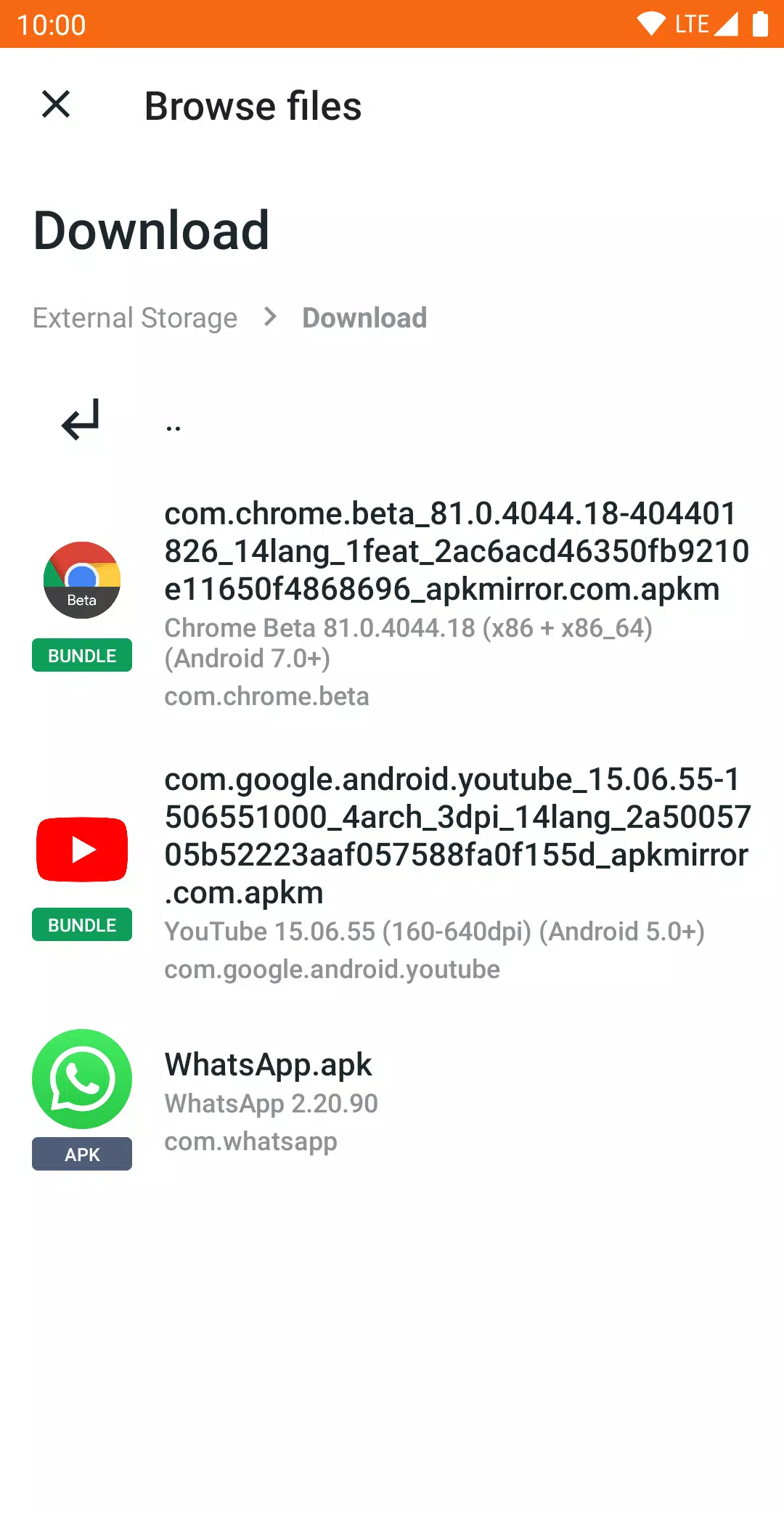
APKMirror Installer (Official) Screenshot 1
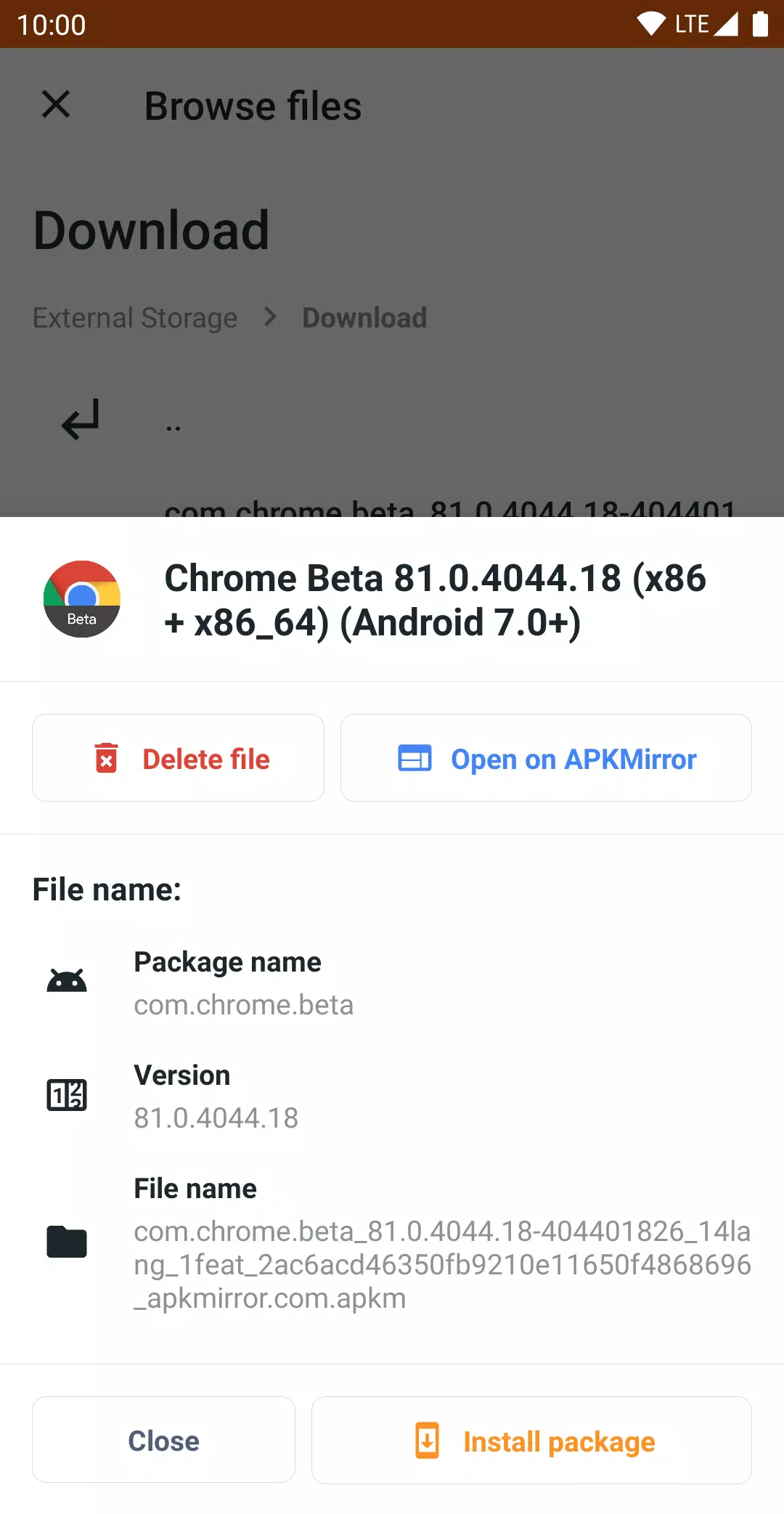
APKMirror Installer (Official) Screenshot 2
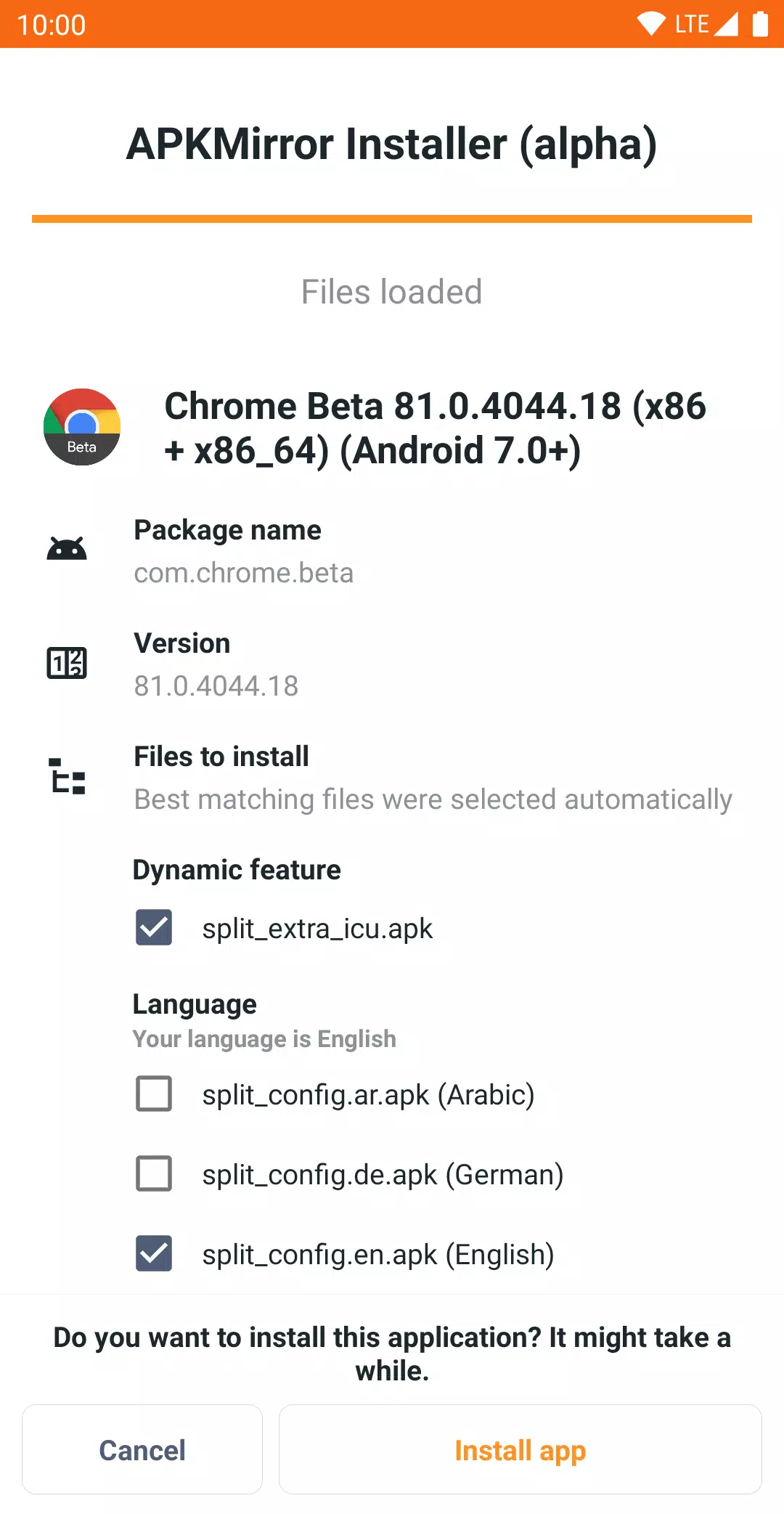
APKMirror Installer (Official) Screenshot 3
Anwendungsbeschreibung

The function of APKMirror Installer is to simplify and enable the installation of advanced Android app packaging formats, particularly those that are not natively supported by standard Android installers. Here's a clear, structured summary of its core purpose and functionality:


Primary Function:

To install complex Android app packages (like split APKs, App Bundles, .apkm, .xapk, and .apks files) that standard Android cannot install directly.


📌 Key Features & Use Cases:

  1. Installs Split APKs (App Bundles)

    • Modern Android apps are often distributed as App Bundles, which split the app into multiple files (e.g., base.apk, arm64.split.apk, en-us.lang.split.apk).
    • You cannot install these files individually—only the base APK can be tapped, but it will fail or crash due to missing components.
    • APKMirror Installer automatically:
      • Combines all required split files.
      • Installs them in the correct order and structure.
      • Ensures the app runs properly.
  2. Supports Multiple File Types:

    • .apk – Standard Android app package.
    • .apkmContainer file that bundles a base APK + multiple splits (created by APKMirror).
    • .xapk – A ZIP-like archive containing an App Bundle (used by some third-party app sites).
    • .apks – App Bundle format used by Google Play (zip of all split files, often for sideloading).
  3. User-Friendly Installation Experience:

    • After installing APKMirror Installer:
      • Tap on a .apkm, .xapk, or .apks file.
      • The app shows you what’s inside (e.g., which language, architecture, or feature splits are included).
      • You can select which splits to install, helping save storage space.
  4. Diagnoses Installation Failures:

    • If a standard APK fails to install, APKMirror Installer provides detailed error messages (e.g., "incompatible architecture", "missing permissions"), helping users understand why the install failed.
  5. Security & Transparency:

    • Shows the contents of .apkm files before installation.
    • Helps prevent malware by letting users verify what’s being installed.

⚠️ Known Limitations:

  • Not compatible with all Android ROMs, especially:
    • Xiaomi / Redmi / Poco MIUI: MIUI’s aggressive optimizations break the underlying Android install mechanism.
      • Fix: Go to Developer Options → Disable MIUI Optimization.
  • No App Store Functionality:
    • It does not browse, download, or update apps automatically.
    • It is only a side-loading tool, not a replacement for Google Play.

💡 Why It Exists:

  • As Android moves toward App Bundles and split APKs, regular users struggle to install apps from sources like APKMirror, GitHub, or third-party sites.
  • APKMirror Installer fills the gap by providing a reliable, secure, and user-friendly way to install modern Android apps outside the Play Store.

📢 Summary:

APKMirror Installer is a specialized Android app that allows users to safely and easily install modern, split Android app packages (like .apkm, .xapk, .apks) that standard Android cannot handle—offering control, transparency, and error diagnosis for sideloading apps from trusted sources.


🔗 Useful Links:


💡 Pro Tip: Always download .apkm files from trusted sources like APKMirror.com to ensure authenticity and security.

Werkzeuge

Apps wie APKMirror Installer (Official)
Rezensionen
Kommentar schreiben+
Derzeit sind keine Kommentare verfügbar