Application Description
APKMirror Installer enables you to install APK, APKM, XAPK, and APKS app bundle files with ease.
What is the function of this application?
APKMirror Installer serves as a utility application that facilitates the installation of .apkm, .xapk, and .apks app bundle files, along with standard APK files.
Additionally, we have incorporated a frequently requested feature for standard APK files: if sideloading an APK fails, you can now identify the specific failure reason by initiating the installation process through APKMirror Installer.
What are Split APKs?
At Google I/O in mid-2018, Google introduced a new dynamic app delivery format known as App Bundles. We suggest referring to this AndroidPolice article, as the visual examples will help clarify the concept.
To briefly summarize: prior to app bundles, developers typically built a single comprehensive APK containing all libraries and resources, or manually handled multiple APK variants (e.g., arm64 320dpi, x86 320dpi, etc.).
App Bundles enable developers to delegate variant management to Google, which then segments the app release into multiple components—hence the term split APKs. Each release consists of a base APK and one or more supplementary APK splits.
For instance, one release could include five files: base.apk, arm64.split.apk, 320dpi.split.apk, en-us.lang.split.apk, and es-es.lang.split.apk.
Unfortunately, you cannot install these APK splits by simply tapping on them; only the base APK can be installed this way, often resulting in app crashes due to missing resources.
This is the problem that APKMirror Installer solves.
What are .apkm files exactly?
With the increasing adoption of split APK formats—which are challenging to share and install without a dedicated tool—APKMirror has developed a solution that accommodates these changes and maintains simple, secure sideloading capabilities.
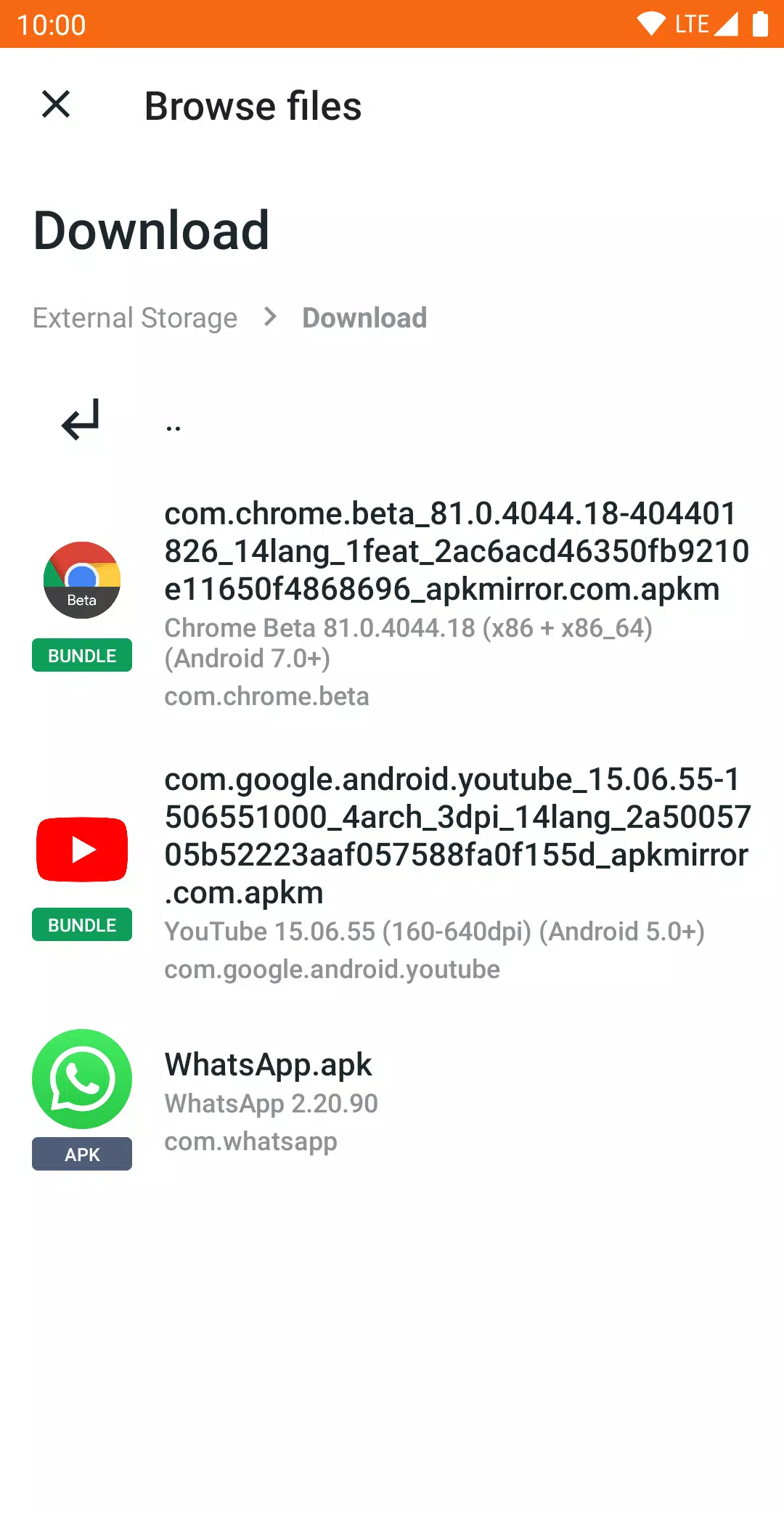
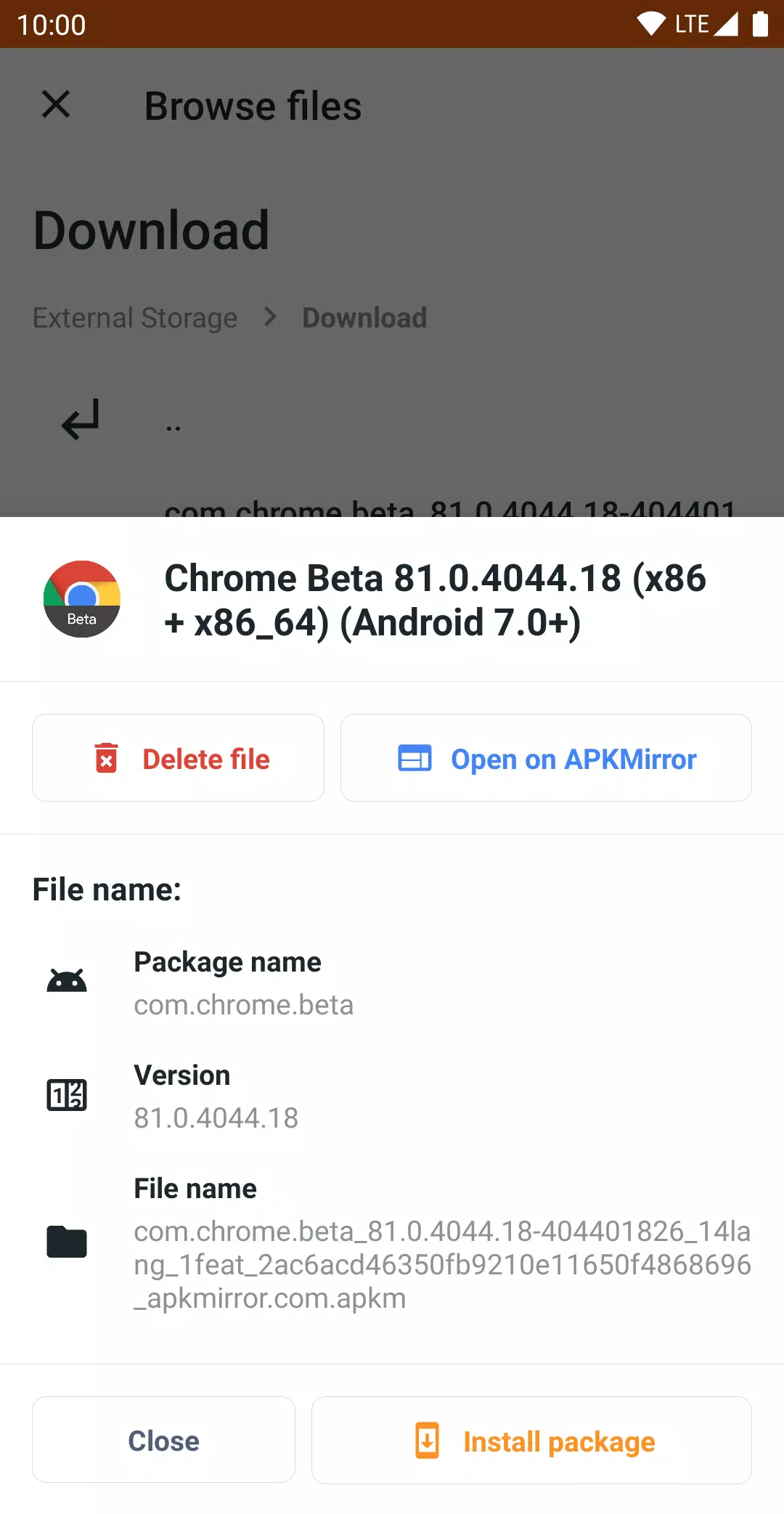
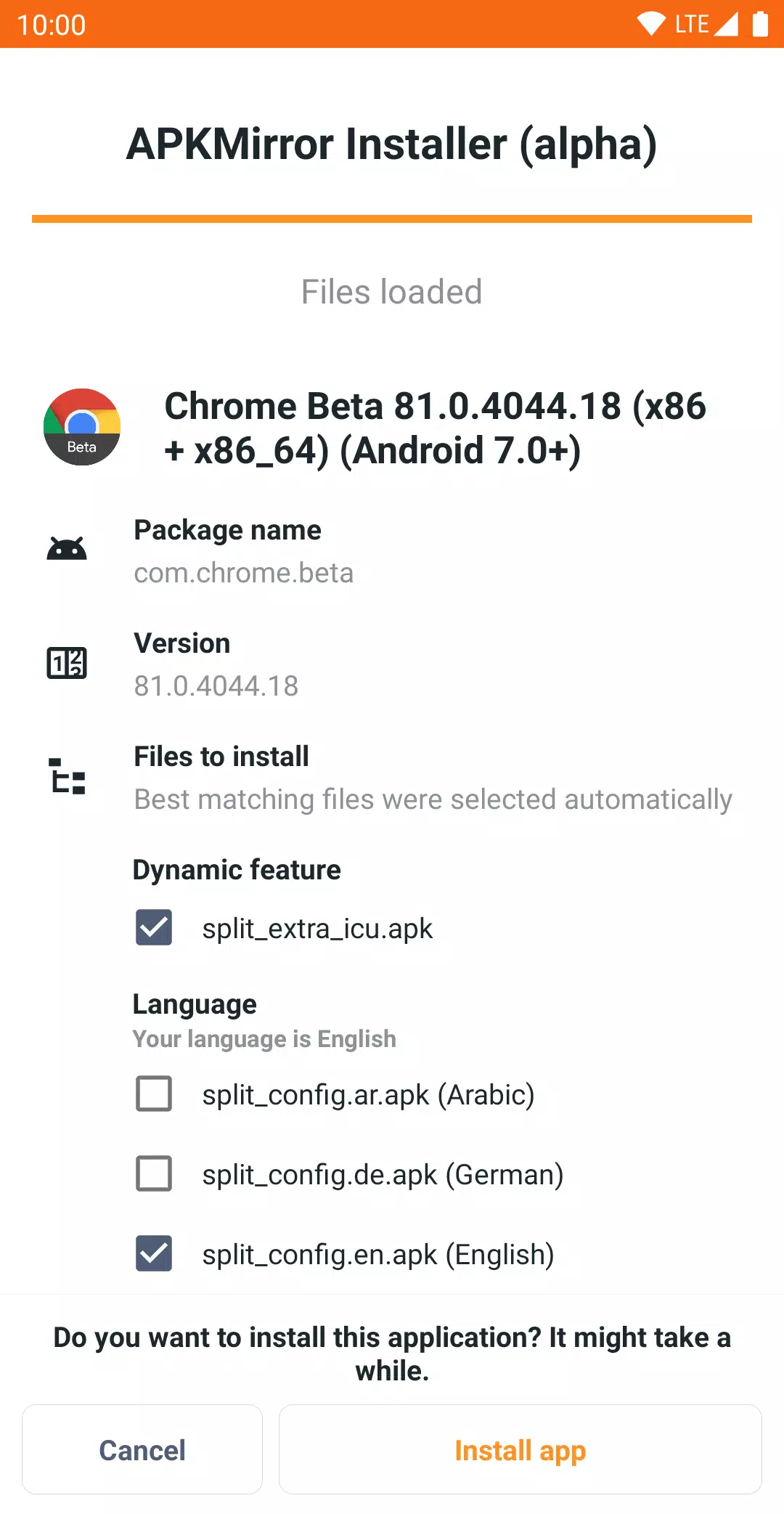
Each .apkm file contains a base APK and several split APKs. After installing APKMirror Installer and downloading your desired .apkm file, tap the file or locate it using the app. You can review the specific contents of each .apkm file and choose which splits to install, conserving storage space on your device.
The development of APKMirror Installer and its backend infrastructure required considerable time and investment, which is why the app and website are ad-supported. For users who prefer an ad-free experience, various subscription options are available to remove ads and gain access to additional features.
Known issues and bug reports
Xiaomi/Redmi/Poco MIUI users
Regrettably, Xiaomi's MIUI modifies the Android components that APKMirror Installer relies on for installing split APKs.
A potential workaround is available: disable MIUI optimizations in the developer settings. Attempt this step to successfully complete the installation.
Further discussion on this issue can be accessed here: https://github.com/android-police/apkmirror-public/issues/116.
Other issues or bugs
Please report any other problems via our GitHub bug tracker.
Note: This application functions as a file management tool and does not include direct app store capabilities, such as browsing websites or updating apps, as such features would violate the Google Play Store Terms of Service.
Tools



 Download
 Apps like APKMirror Installer (Official)