Maison applications Outils APKMirror Installer (Official)
APKMirror Installer (Official)

APKMirror Installer (Official)

Outils 1.7.1 (26-821f366) 10.7 MB

by APK Mirror Mar 18,2026

The function of APKMirror Installer is to simplify and enable the installation of advanced Android app packages, particularly those that go beyond standard .apk files—such as .apkm, .xapk, and .apks (App Bundle) files—which are not natively installab

4.6
APKMirror Installer (Official) Capture d'écran 0
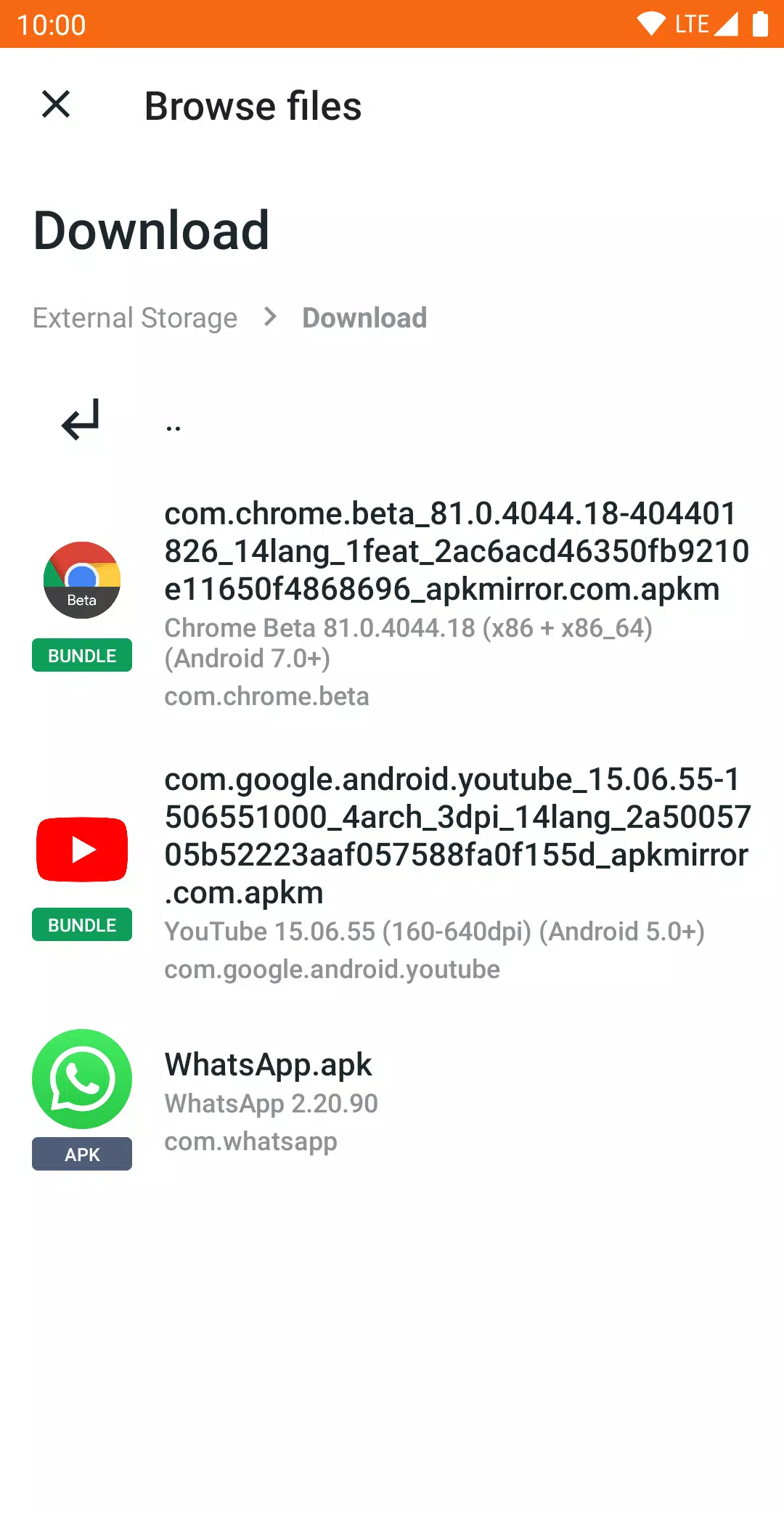
APKMirror Installer (Official) Capture d'écran 1
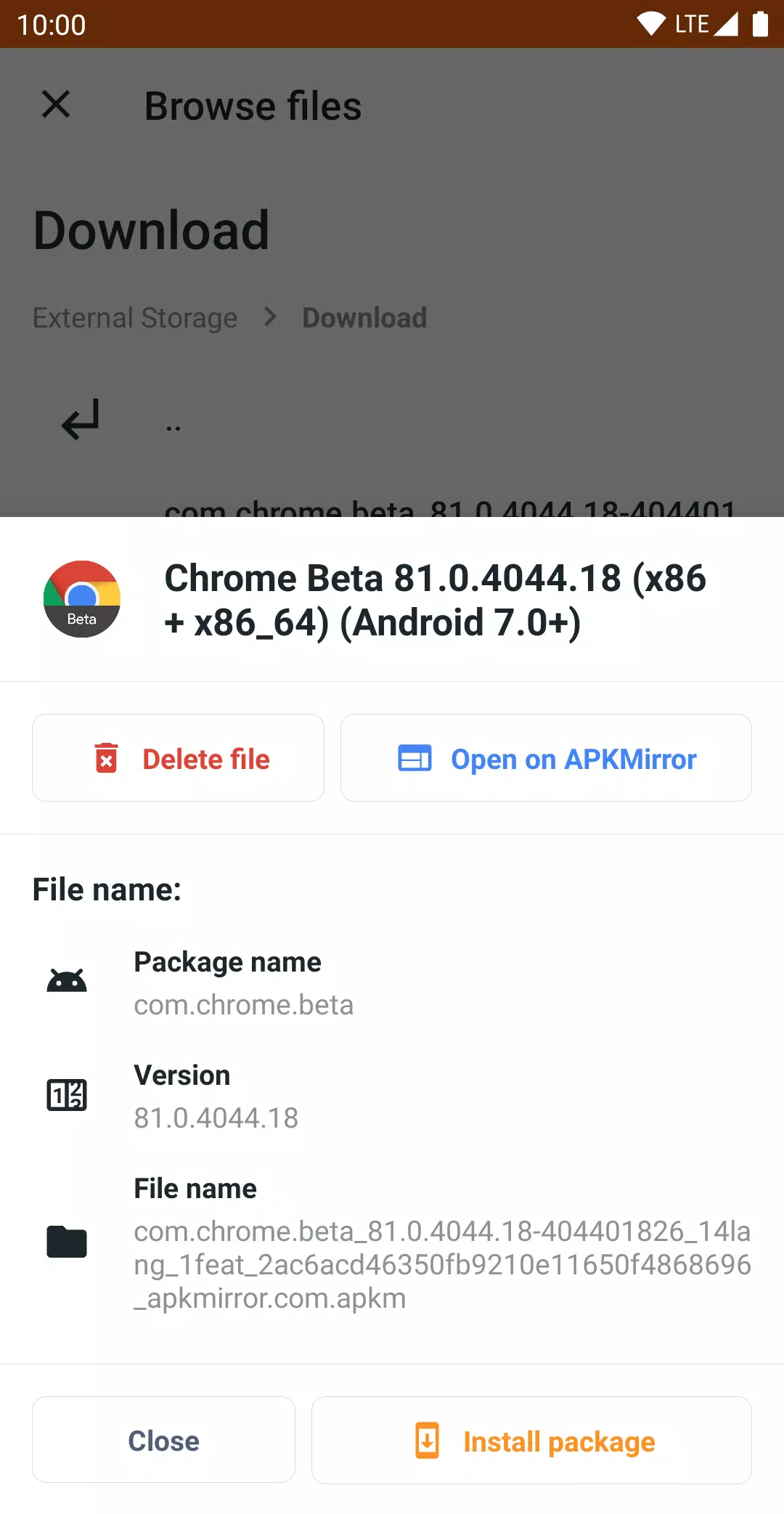
APKMirror Installer (Official) Capture d'écran 2
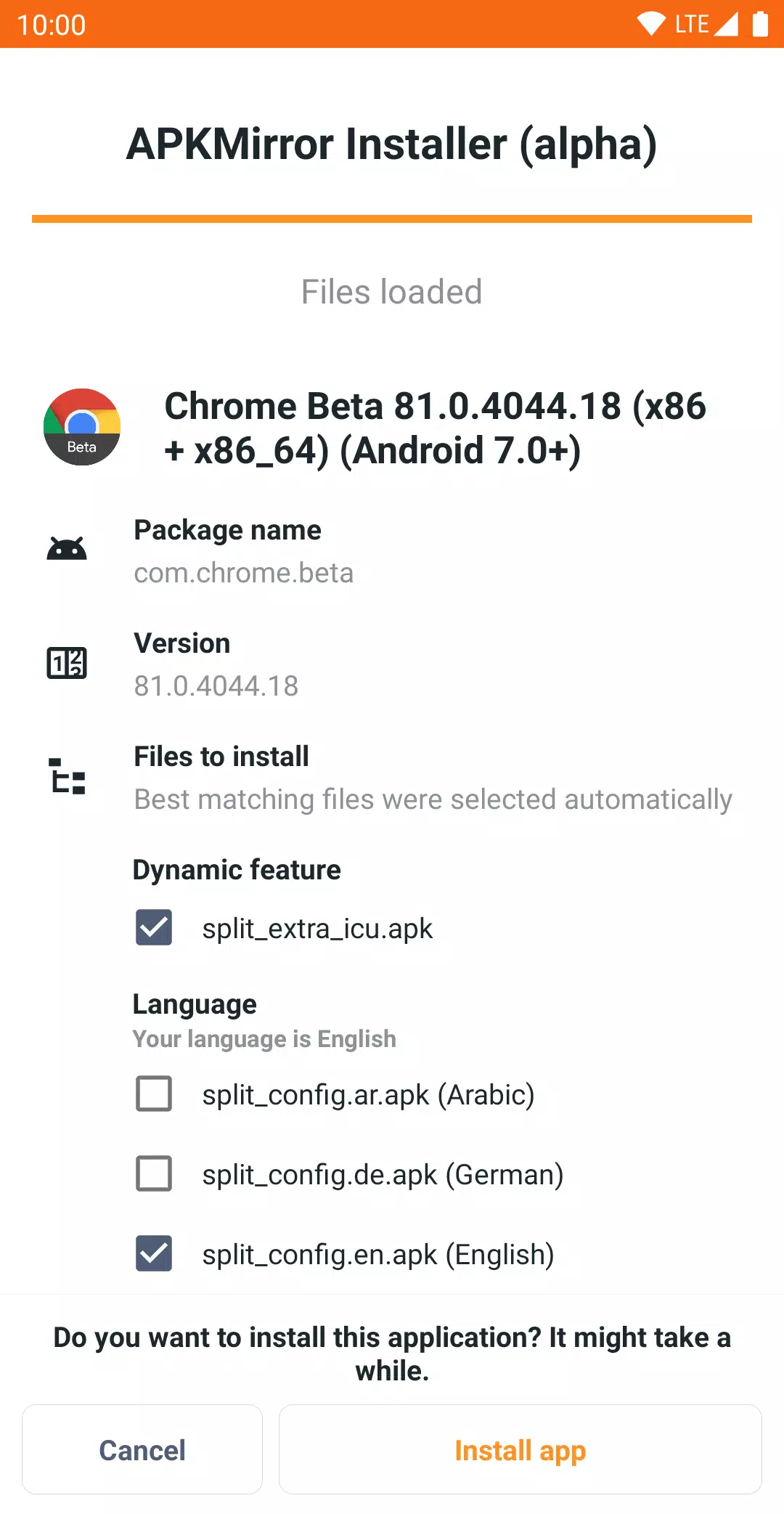
APKMirror Installer (Official) Capture d'écran 3
Description de l'application

The function of APKMirror Installer is to simplify and enable the installation of advanced Android app packages, particularly those that go beyond standard .apk files—such as .apkm, .xapk, and .apks (App Bundle) files—which are not natively installable through Android's standard "sideloading" process.

Here’s a clear breakdown of what it does and why it's useful:


Core Functions of APKMirror Installer

  1. Installs Split APKs (.apks, .apkm, .xapk)

    • Modern Android apps (especially from Google Play) now use App Bundles (.aab), which are split into multiple .apk files (e.g., base.apk, arm64.split.apk, en-us.lang.split.apk).
    • These cannot be installed individually by tapping on them — only the base APK opens, leading to crashes or incomplete installations.
    • APKMirror Installer combines all the necessary split files into a single, proper installation package.
  2. Supports Multiple File Types:

    • .apk – Standard Android app packages (already installable, but this app helps diagnose issues).
    • .apkmA container format used by APKMirror that bundles a base APK + all required splits into one file (easy to share and install).
    • .xapk – A ZIP-like archive used by some third-party sources; includes base APK and splits (common on APKMirror).
    • .apks – The official App Bundle format (used by Google Play); contains all components for dynamic delivery.
  3. User-Friendly Installation Interface

    • Lets users browse and inspect what’s inside .apkm, .xapk, or .apks files before installing.
    • Allows selective installation of only needed splits (e.g., only arm64 architecture or specific language packs), saving storage space.
  4. Diagnostic Tool for Failed APK Installs

    • If a regular .apk fails to install when sideloading, APKMirror Installer can show the exact error (e.g., "targetSdk too high", "incompatible architecture"), helping users troubleshoot.
  5. Secure & Trusted Side-Loading

    • Acts as a trusted bridge between users and unsigned or non-Play Store apps.
    • Ensures proper installation of complex app bundles while preserving security and compatibility.

🔍 Why Is This Needed?

  • Android doesn’t support installing split APKs directly.
  • Developers use App Bundles (.aab) to deliver optimized versions of apps based on device type, language, screen density, etc.
  • These are split across multiple files, but only the base APK is meant to be installed alone, which usually fails.
  • Without a tool like APKMirror Installer, you’d get crashes or missing features.

📦 Example: Installing a .apkm File

  1. You download a .apkm from APKMirror (e.g., for a popular app like WhatsApp or Signal).
  2. Open APKMirror Installer.
  3. Tap the .apkm file → it shows you the contents: base APK, language split, architecture split, etc.
  4. Choose which splits to install (optional).
  5. Tap "Install" → the app installs correctly, with all resources included.

⚠️ Known Limitations

  • Not compatible with Xiaomi/Redmi/Poco MIUI due to modified Android behavior.
    • Fix: Go to Developer Options → disable "MIUI Optimization" → retry installation.
  • Does not replace Google Play Store.
    • It does not let you browse or update apps from the web.
    • It only installs files you manually download (to comply with Google’s ToS).

💰 Monetization Model

  • Ad-supported (free version).
  • Offers subscription plans to remove ads and unlock extra features (e.g., faster installs, advanced diagnostics).

🛠 Summary

APKMirror Installer is a specialized file manager and installer designed to handle modern Android app bundles (like .apkm, .xapk, .apks) that standard Android cannot install on its own. It ensures correct installation of split APKs, provides diagnostics for failed installs, and supports secure sideloading of apps from non-Play sources—especially useful for advanced users, modders, and those in regions with limited Google Play access.


Best For:

  • Users downloading apps from APKMirror or other third-party sources.
  • Developers and testers working with App Bundles.
  • Anyone who's tried to install a .apkm or .xapk and failed.

🚫 Not for: Browsing apps online or automatic updates (no store functionality).

Outils

Applications semblables à APKMirror Installer (Official)

Il n'y a actuellement aucun commentaire disponible