Hogar Aplicaciones Herramientas APKMirror Installer (Official)
APKMirror Installer (Official)

APKMirror Installer (Official)

Herramientas 1.7.1 (26-821f366) 10.7 MB

by APK Mirror Mar 18,2026

The function of APKMirror Installer is to simplify and enable the installation of complex Android app packages, particularly those that go beyond standard .apk files. Here's a clear breakdown of its core functions: ✅ Primary Function: Install split

4.6
APKMirror Installer (Official) Captura de pantalla 0
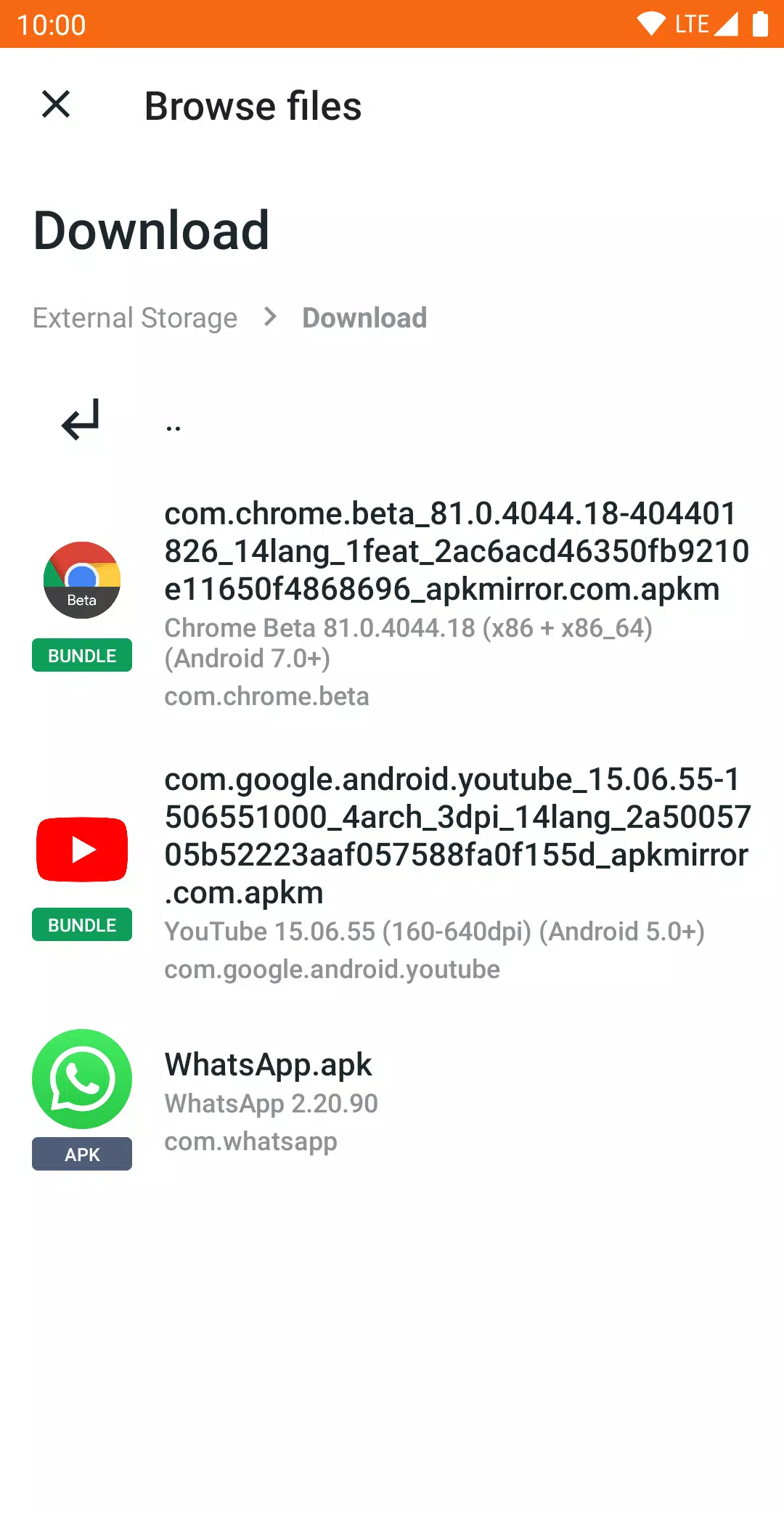
APKMirror Installer (Official) Captura de pantalla 1
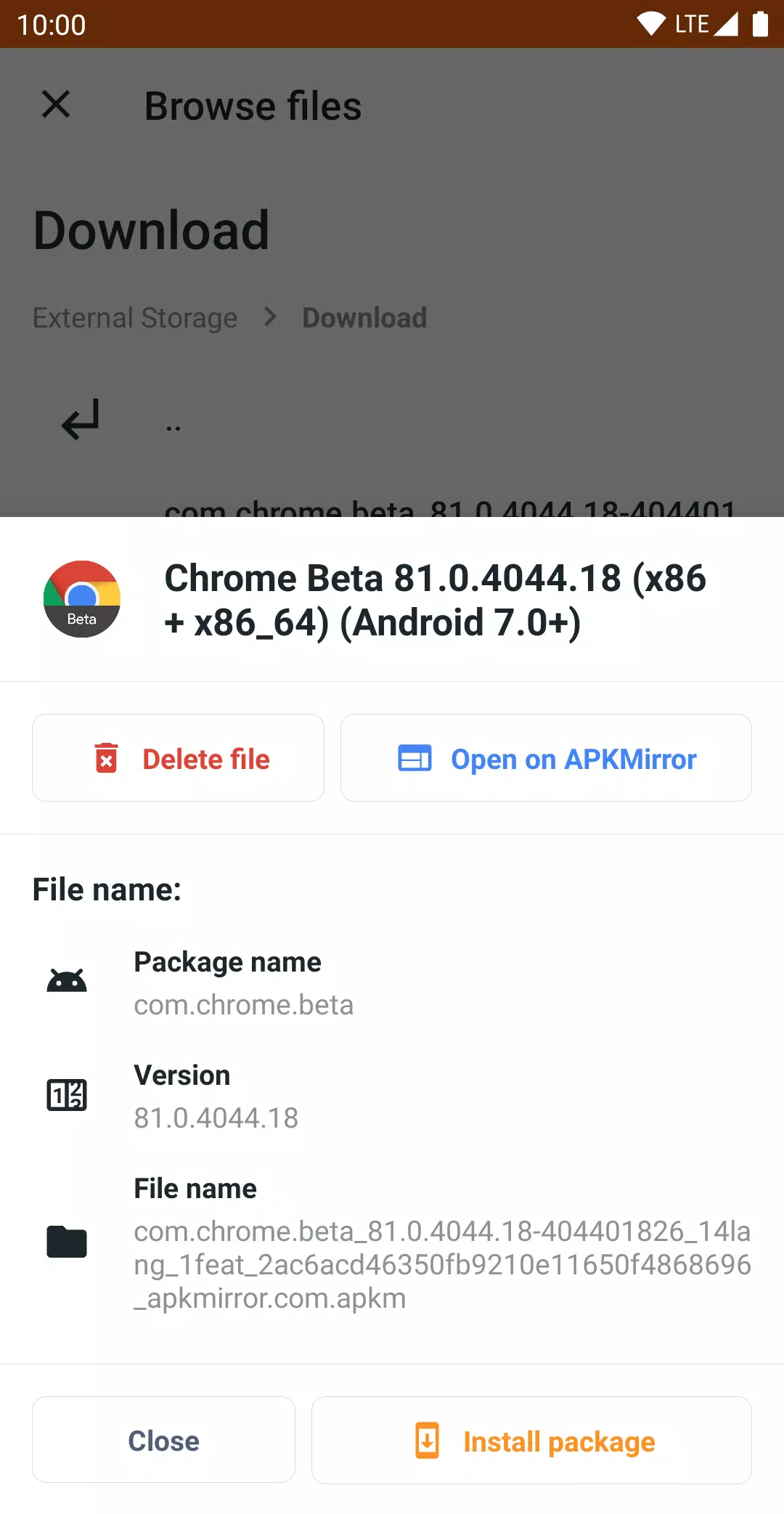
APKMirror Installer (Official) Captura de pantalla 2
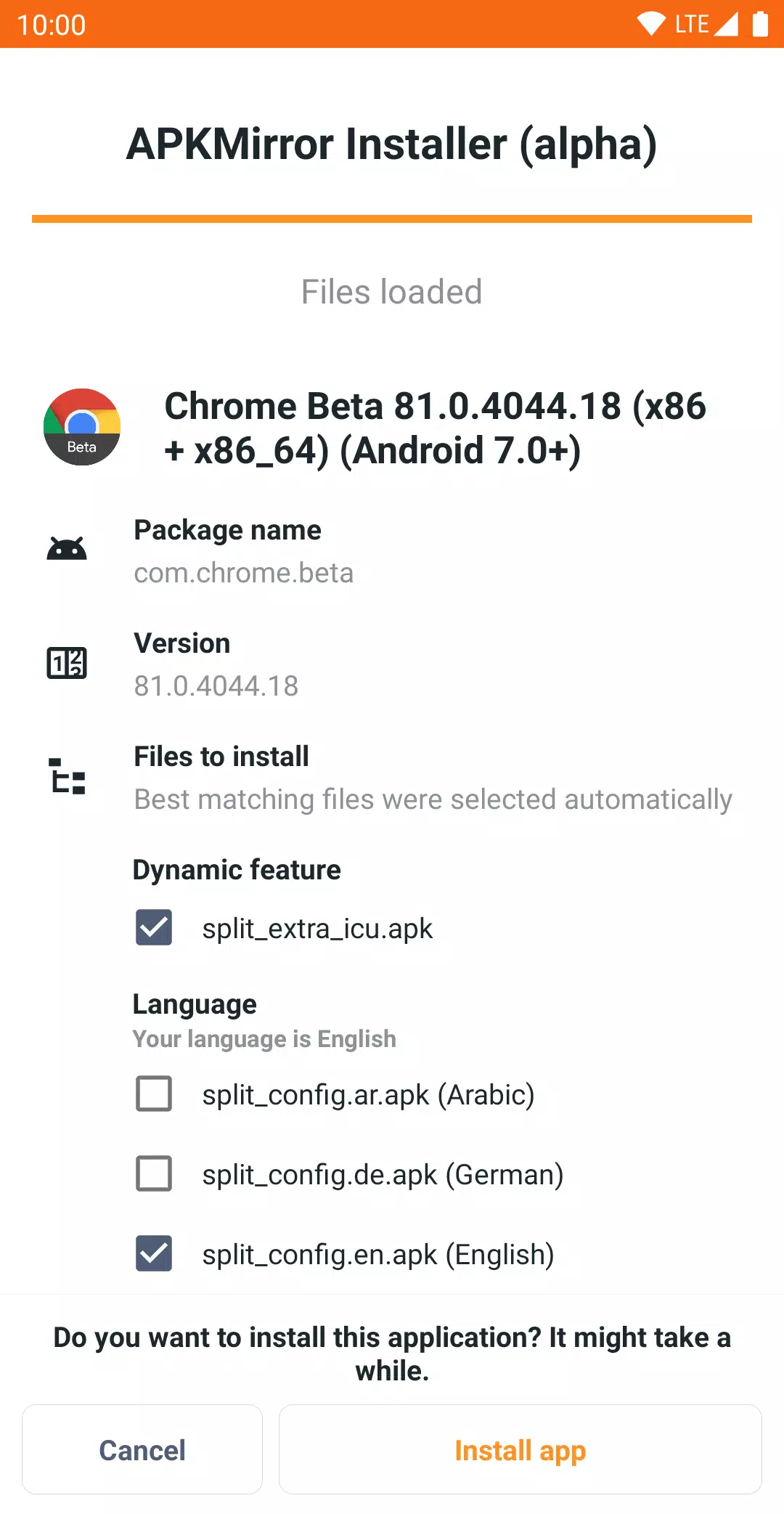
APKMirror Installer (Official) Captura de pantalla 3
Descripción de la aplicación

The function of APKMirror Installer is to simplify and enable the installation of complex Android app packages, particularly those that go beyond standard .apk files. Here's a clear breakdown of its core functions:


Primary Function:

Install split or bundled app files (like .apkm, .xapk, .apks) safely and reliably, which standard Android installation methods cannot handle on their own.


🔧 Key Features & Functions:

  1. Supports Multiple File Types:

    • .apk – Standard Android app packages.
    • .apkmAPKM files (a container format used by APKMirror) that bundle a base APK + multiple split APKs (e.g., for architecture, language, screen density).
    • .xapk – An archive format used by some third-party app distributors (often includes multiple splits and metadata).
    • .apksApp Bundle files (used by Google Play), which are ZIP archives containing a base APK and multiple split components.
  2. Handles Split APKs (App Bundles):

    • Modern apps are often distributed as split APKs (e.g., separate files for arm64, en-US, 320dpi, etc.).
    • These cannot be installed individually via tap-and-install — only the base APK can be opened, and it will crash if missing splits.
    • APKMirror Installer automatically detects and installs all required components, ensuring the app works correctly.
  3. User-Friendly Installation Process:

    • After downloading a .apkm, .xapk, or .apks file, you can open it through the APKMirror Installer app.
    • It shows a list of included splits, allows you to review what’s inside, and gives you the option to select which splits to install, helping save storage space.
  4. Diagnostic Tool for Failed Installs:

    • If a regular APK fails to install (e.g., "App not installed" error), APKMirror Installer can identify the exact reason (like missing permissions, incompatible architecture, or signature issues).
    • This helps users troubleshoot side-loading problems more effectively.
  5. Secure & Trusted Sideloading:

    • Designed to provide a safe, verified, and user-controlled way to install apps from sources outside Google Play (e.g., beta versions, region-locked apps, or updated builds).
    • Avoids risks associated with third-party installers that may bundle malware.
  6. No App Store Functionality:

    • It does not allow browsing apps, searching, or updating them.
    • Not a replacement for Google Play Store, and does not violate Google’s Terms of Service — it’s purely a file installer utility, not a distribution platform.

🛠️ Why You Need It:

  • Without it, you can’t install split APKs or App Bundles properly.
  • It's essential for users who:
    • Want to install beta, modified, or region-specific apps.
    • Use APKMirror to download app updates (which are often .apkm or .apks).
    • Want more control and transparency over what they're installing.

⚠️ Known Limitations:

  • Xiaomi/Redmi/Poco MIUI Users: MIUI’s aggressive optimization can break installation.
    Fix: Go to Developer Options > Disable MIUI optimizations.
  • Not for App Discovery: You must already have the .apkm, .xapk, or .apks file to install.
  • Ad-supported (free version): Ads are present, but you can remove them with a subscription.

📌 Summary:

APKMirror Installer is a specialized Android utility that enables safe, accurate installation of advanced app formats (like split APKs, App Bundles, and containerized APKs) that standard Android cannot install on its own — especially useful for sideloading apps from sources like APKMirror.

It’s not an app store — it’s a tool for installing complex Android apps securely and correctly.

Herramientas

Aplicaciones como APKMirror Installer (Official)
Actualmente no hay comentarios disponibles