*Ready or Not* may sound like a children's game, but this tactical SWAT FPS offers intense single and multiplayer action that's anything but kid-friendly. Occasionally, players encounter technical issues like the "Serialization Error Action Needed" message. Here's your fix.
Troubleshooting 'Serialization Error Action Needed' in Ready or Not
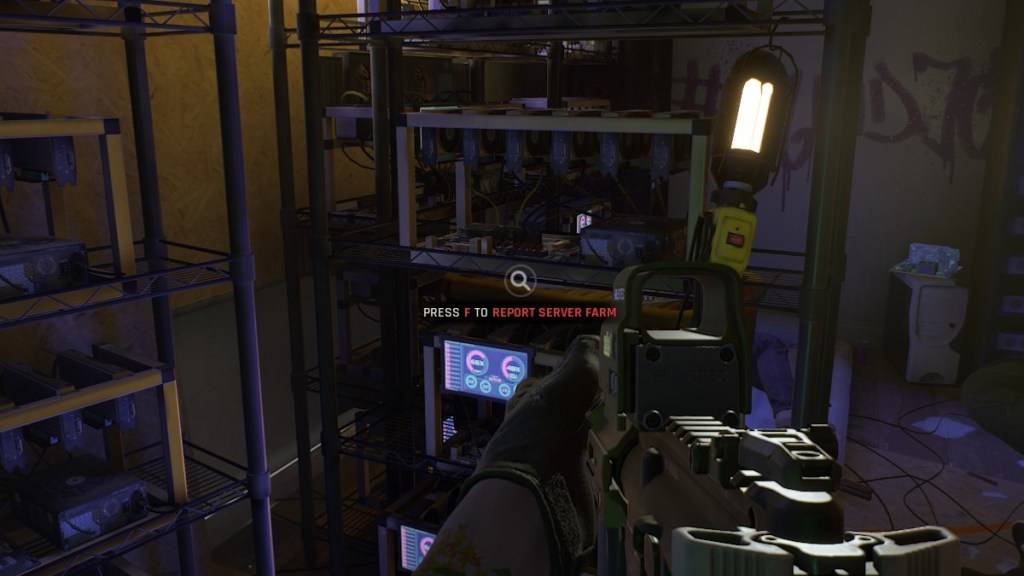 Screenshot via The Escapist
The "Serialization Error Action Needed" message in *Ready or Not* typically appears alongside "Corrupt data found, please verify your installation." As an Unreal Engine-related issue, several solutions exist.
1. Verify Game Files
Start with the simplest solution - verifying your installation:
- Ensure Steam isn't in offline mode
- Right-click *Ready or Not* in your Steam Library
- Select Properties > Installed Files
- Click Verify Integrity of Game Files
Steam will scan for and replace any corrupted files. If successful, your game should run normally. Persistent issues require additional steps.
2. Disable Problematic Mods
Outdated mods frequently trigger this error, particularly those incompatible with Unreal Engine 5:
- Navigate to *Ready or Not* in Steam
- Click Manage > Browse Local Files
- Open ReadyorNot/Content/Paks folder
- Delete the mod.io folder
While this restores game functionality, you'll need to carefully reinstall your mods afterward.
Related: Ready or Not Performance Guide: DirectX 11 vs DirectX 12
3. Reinstall Mods Methodically
When adding mods back:
- Check mod update dates (must be post-July 2024 UE5 transition)
- Install one mod at a time
- Test game stability after each addition
If the error reappears, the last installed mod likely causes conflicts and must remain disabled until updated.
As a last resort, completely reinstall *Ready or Not*. While hard drive corruption could theoretically cause this error, most cases stem from mod compatibility issues.
*Ready or Not* is currently available exclusively on PC.

 LATEST ARTICLES