Custom PC Tycoon Codes: Boost Your Building with These Active Codes!
Custom PC Tycoon on Roblox challenges you to build high-earning computers and servers. Upgrade your workspace, customize colors, and more! This guide provides all currently working Custom PC Tycoon codes, unlocking valuable rewards like cash and PC parts to supercharge your builds. We'll keep this updated regularly, so bookmark it for the latest additions.
Last Updated: January 7, 2025
Active Custom PC Tycoon Codes
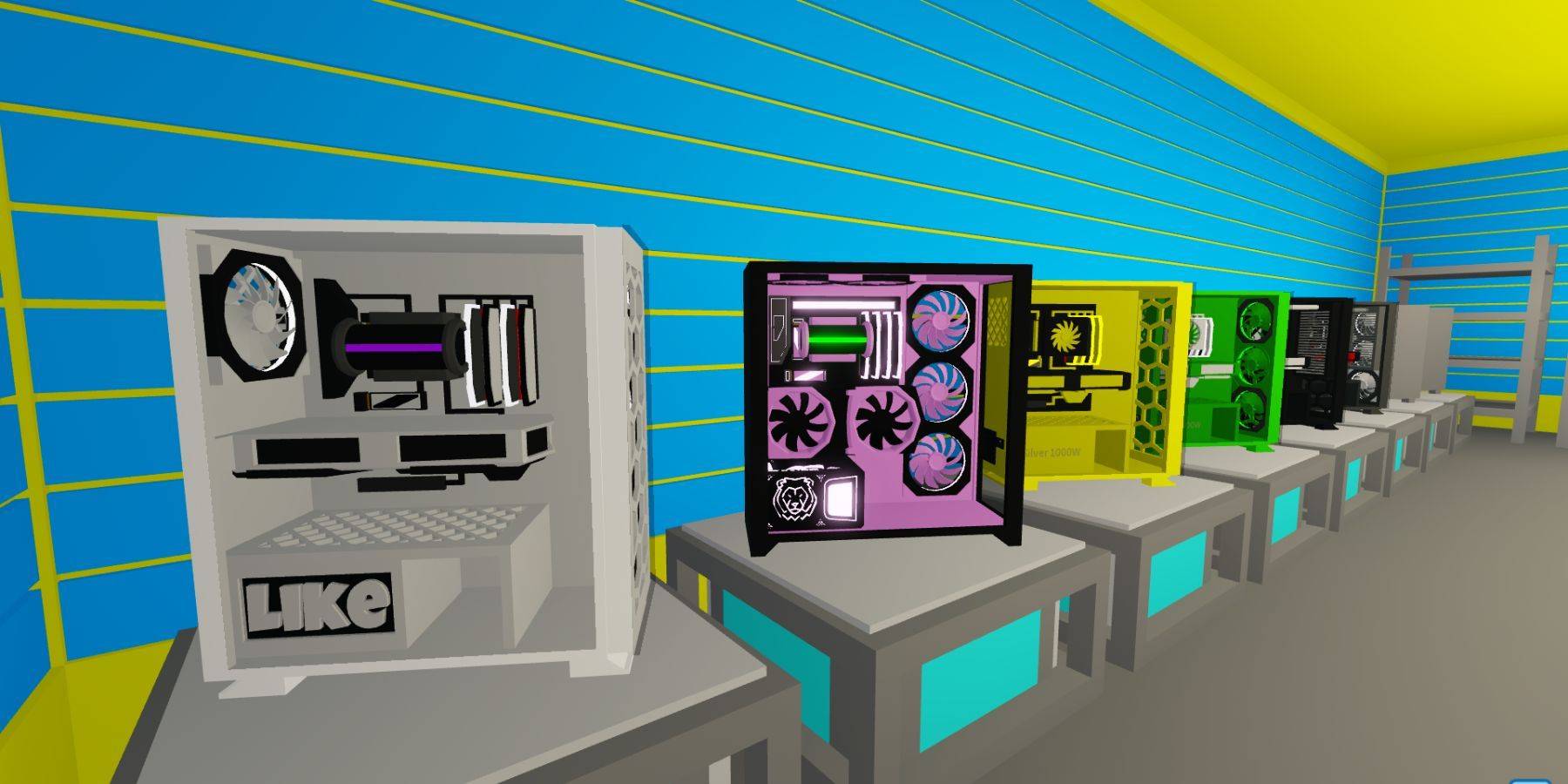
Here's a list of currently active codes and their rewards:
- BeachTime: 10 minutes of all boosts
- 80mVisits: 5 minutes Double Sunstone Boost
- frontpage: 5 minutes of all boosts
- 150klikes: $15,000 cash
- 120klikes: 5 minutes of all boosts
- 70K Likes: Radon RT 6600 GPU
- Lunar: Exclusive 3000W Tiger PSU Power Supply
- 5M visits: 2 Fusion Coolers
- FluffyBunny: $1,500 cash
- Supportive: Nightcore case
- 70m Visits: 5 minutes of all boosts
- viperclipz: 5 minutes of all boosts
- fallenworlds: 5 minutes of all boosts
- 135kLikes: 5 minutes of all boosts
- likeTheGame: 5 minutes of all boosts
- 60m visits: 10 minutes of all boosts
- GamerFleet: Cash
- 30K Likes: 6-bit V0 CPU
- 7M Visits: SP 5CE Motherboard
- Chapter2: $5,000 cash
- Fan Power: 2X Whoosh Cooling
- FirstMilestone: Cash
- GamingDan: PC part
- LikePower: Thumbs Up CPU
Expired Codes (Do Not Work)
These codes are no longer valid:
- easter2024
- downtime2024
- FluffyBunny (duplicate)
- newyear2024
- christmas2023
- 5M visit
- Luna
- SoHot
- Supportiv
- 120kLikes (duplicate)
- 3k likes
- 400k visits!
- 70K Likes (duplicate)
- 7k Likes
- April Fools
- FluffyBunny (duplicate)
- Lunar (duplicate)
- Merry Christmas
- NewUpdate
- Trick or Treat
How to Redeem Codes in Custom PC Tycoon
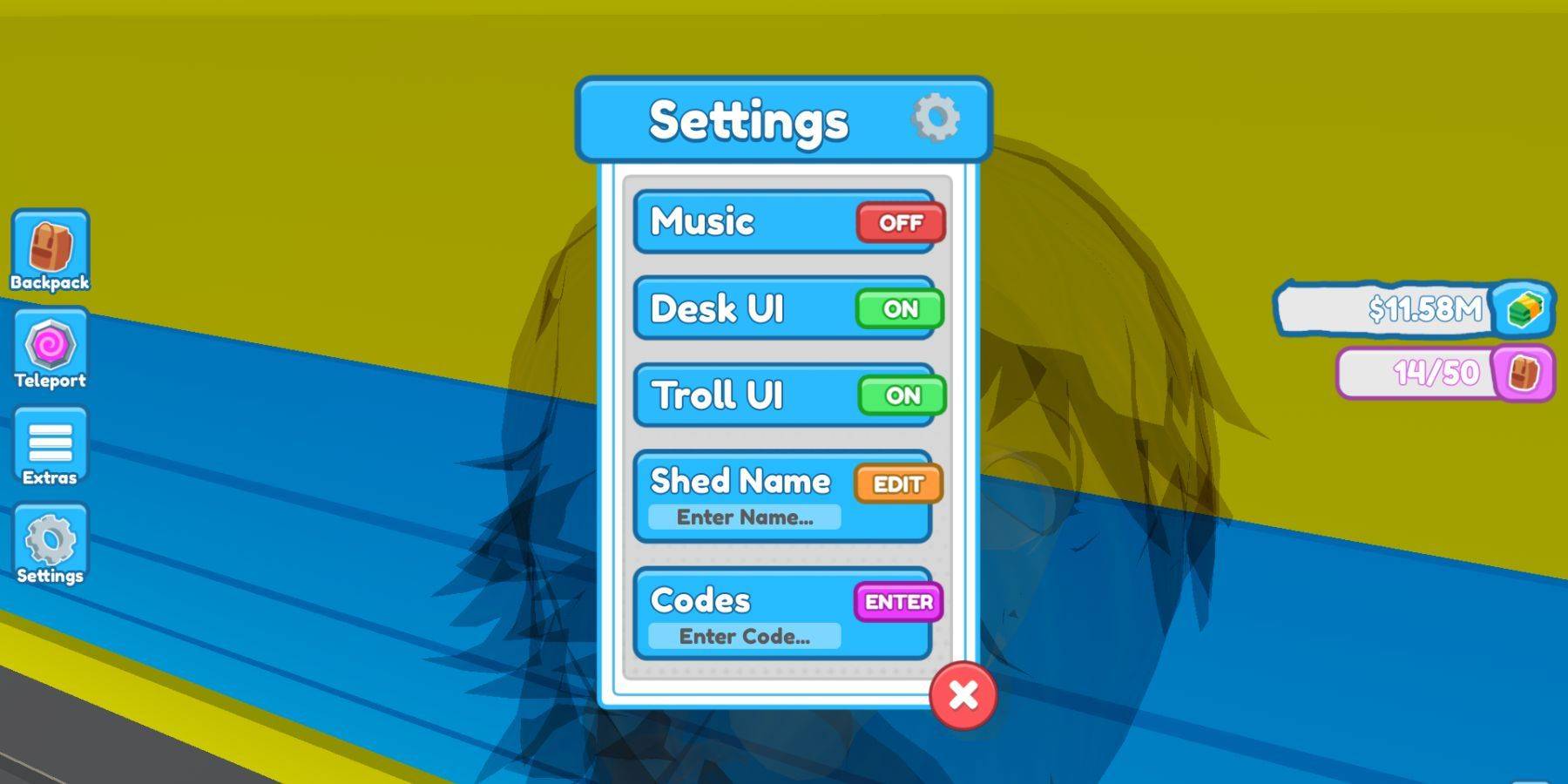
Redeeming codes is simple:
- Launch Custom PC Tycoon.
- Locate and click the settings button (usually found in the middle-left of the screen).
- Find the "Codes" box and the "Enter Code" field at the bottom of the settings menu.
- Enter a code from the active list above.
- Press Enter to redeem.
Enjoy your new PC parts and cash! Remember to check back often for updates to this guide.

 LATEST ARTICLES