Quick Links
Grace is a thrilling Roblox experience where players must navigate through various levels filled with terrifying entities. This game challenges players to be swift, react quickly, and find strategies to outsmart these entities. To enhance your gameplay, the developers have introduced a test server feature, allowing you to use chat commands to simplify the game, summon Entities, or test new elements. Below, you'll find a comprehensive list of Grace commands along with a guide on how to use them effectively.
All Grace Commands
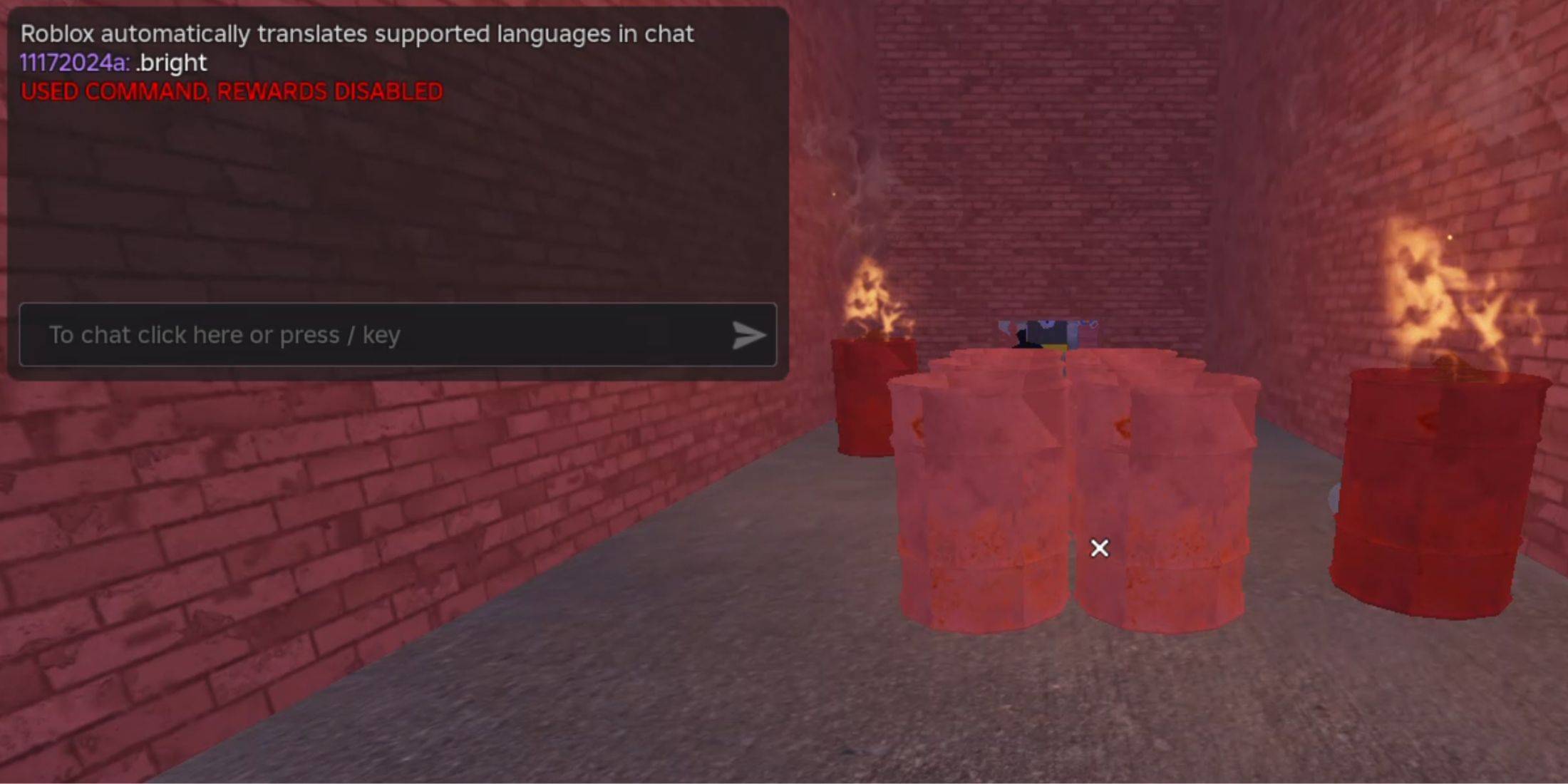
.revive - Use this command to respawn into the game if you're defeated or stuck, giving you a second chance to tackle the challenges ahead.
.panicspeed - Adjust the timer speed with this command, allowing you to control the pace of the game to suit your playstyle.
.dozer - Summon the Dozer entity with this command, adding an exciting new challenge to your gameplay.
.main - Load into the Main Branch server using this command, where you can experience the standard game environment.
.slugfish - Bring the Slugfish entity into the game with this command, testing your skills against this unique adversary.
.heed - Use this command to spawn the Heed entity, offering a fresh encounter to overcome.
.test - Enter a Test Branch server with this command, where you can experiment with most of the commands listed here and explore unreleased content.
.carnation - Summon the Carnation entity using this command, adding a new layer of difficulty to your game.
.goatman - Spawn the Goatman entity with this command, challenging yourself against this formidable foe.
.panic - Start the timer with this command, initiating the countdown to intensify your gameplay experience.
.godmode - Activate this command to survive all encounters without dying, making your progression through the game much easier.
.sorrow - Use this command to spawn the Sorrow entity, facing a new type of challenge in the game.
.settime - Set a specific time for the timer with this command, allowing you to customize your gameplay further.
.slight - Summon a Slight entity with this command, introducing a new entity to interact with.
.bright - Increase the game's brightness to the maximum with this command, enhancing visibility and making it easier to navigate through the levels.
How to Use Grace Commands
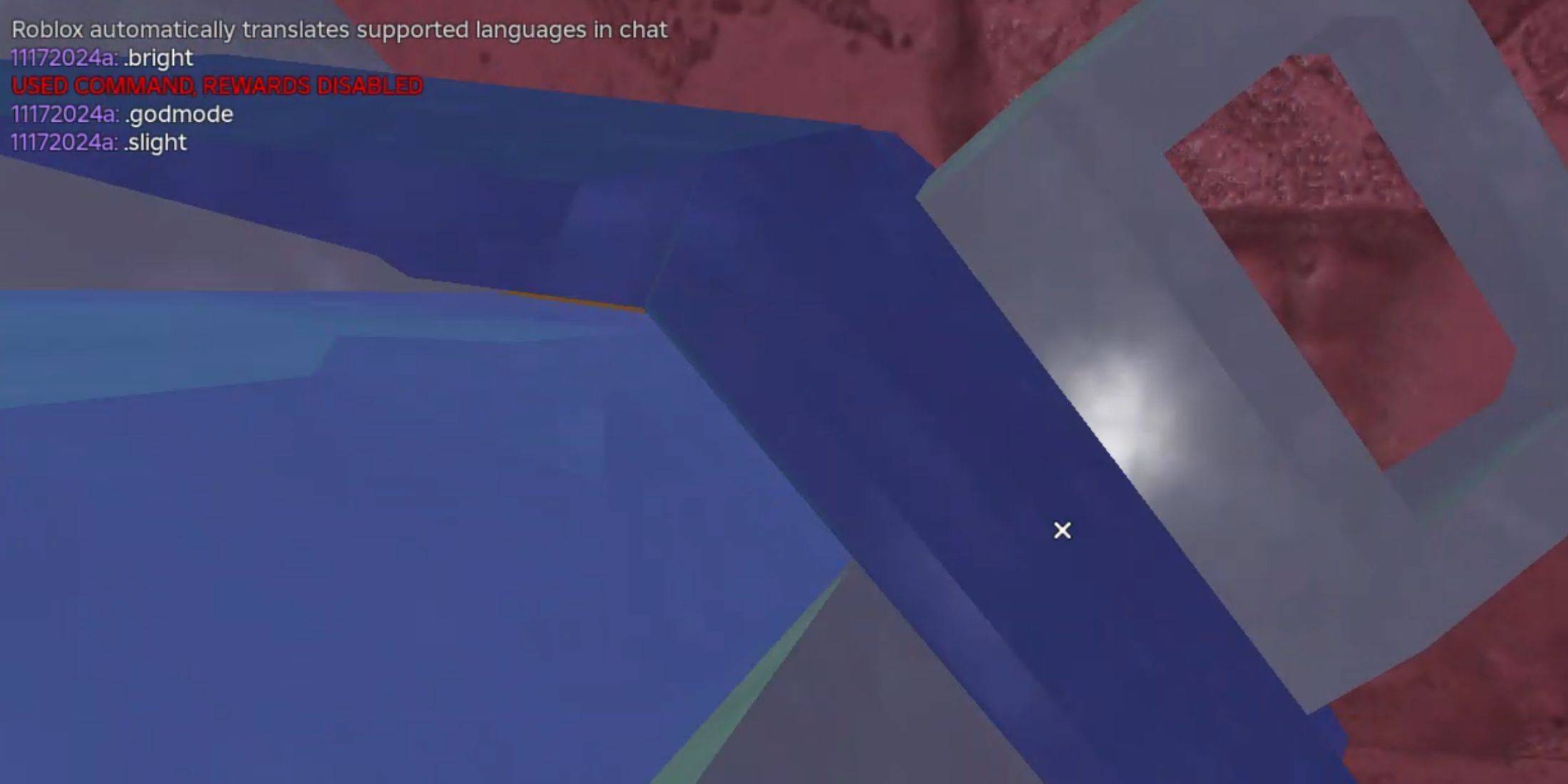
Using commands in Grace is straightforward and can significantly enhance your gaming experience. Here’s a step-by-step guide on how to utilize these commands:
Launch Grace in Roblox - Start by opening the Grace game within Roblox.
Create a Custom Lobby - Navigate to the Custom Lobbies board and create your own lobby. Make sure to enable the Commands option to allow the use of chat commands.
Enter the Test Lobby - Once your lobby is set up, launch it and type the .test command in the chat to access the test lobby.
Activate Commands - Now that you're in the test lobby, you can enter any of the commands listed above in the chat to activate them and enhance your gameplay.
By following these steps, even beginners can easily master the use of commands in Grace, making the game more enjoyable and customizable to their preferences.

 LATEST ARTICLES