This guide details how to install and play Sega Game Gear games on your Steam Deck using EmuDeck, optimizing performance with Decky Loader and Power Tools.
Quick Links
The Sega Game Gear, a pioneering handheld console, now finds a new home on the Steam Deck thanks to EmuDeck. This guide ensures optimal performance and functionality. Updated January 8th, 2025.
Before Installing EmuDeck
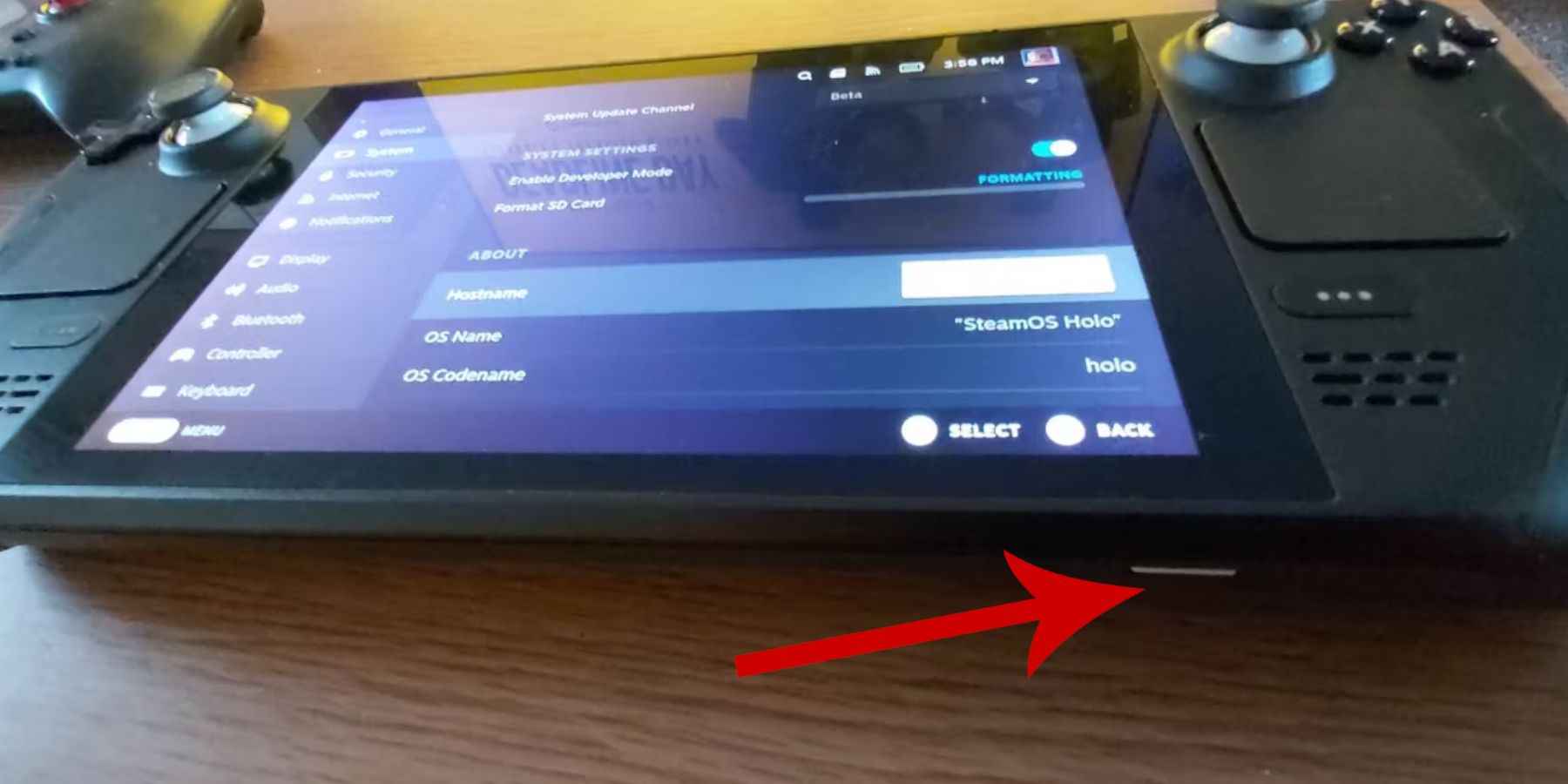 Prepare your Steam Deck by enabling Developer Mode and gathering necessary tools.
Activate Developer Mode:
- Press the Steam button.
- Access the System menu.
- In System Settings, enable Developer Mode.
- Access the new Developer menu, navigate to Miscellaneous, and enable CEF Remote Debugging.
- Restart your Steam Deck.
Recommended Items:
- A2 MicroSD card (or external HDD) for storing ROMs and emulators.
- Keyboard and mouse (optional, but recommended for easier file management).
- Legally obtained Game Gear ROMs (copies of games you own).
Installing EmuDeck on the Steam Deck
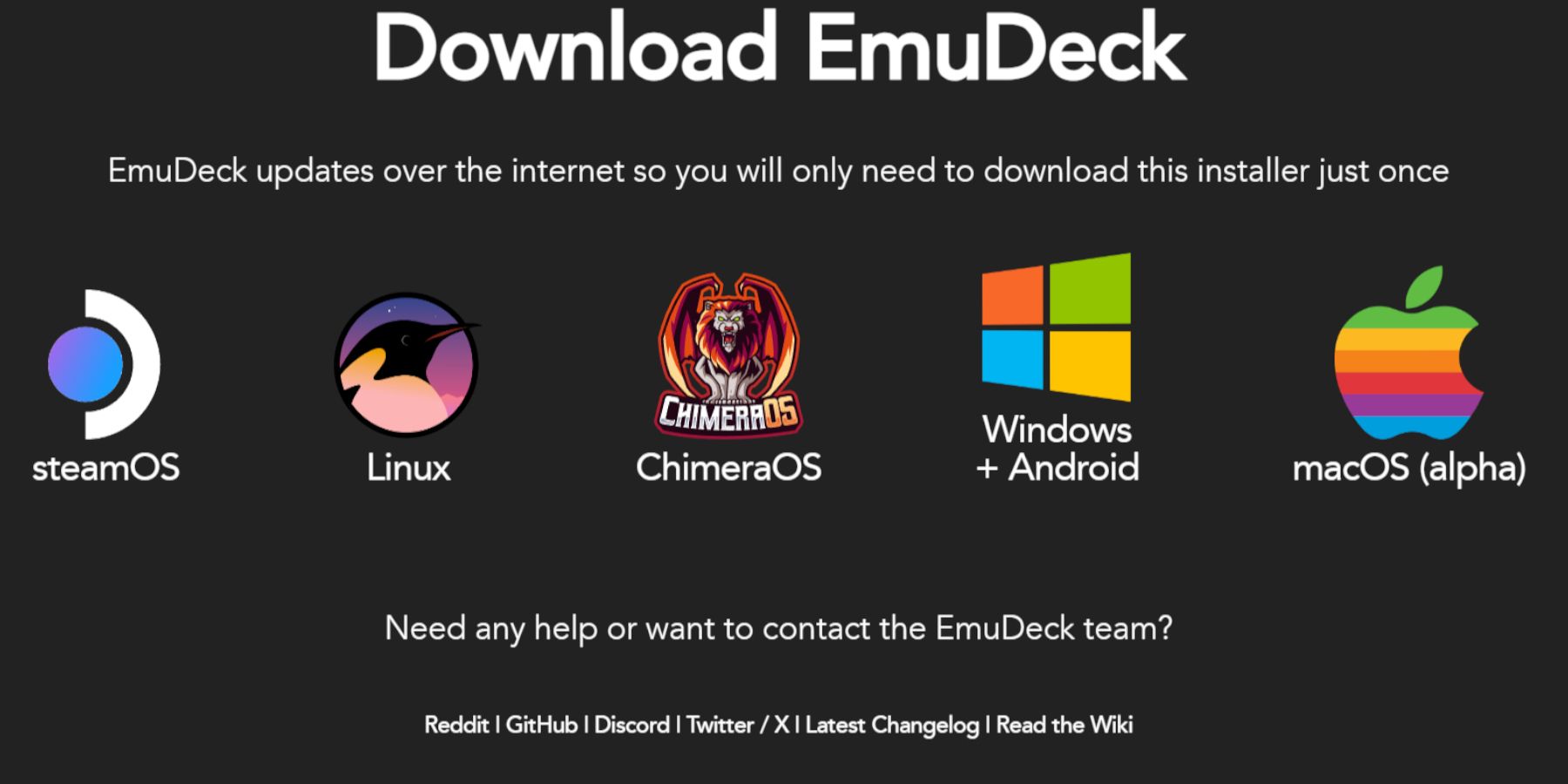 Download and install EmuDeck.
- Switch to Desktop Mode.
- Open a web browser and download EmuDeck.
- Select the Steam OS version and choose Custom Install.
- Select your SD card as the primary installation location.
- Choose your desired emulators (RetroArch, Emulation Station, Steam ROM Manager are recommended).
- Enable Auto Save.
- Complete the installation.
Quick Settings:
Within EmuDeck, configure Quick Settings:
- Ensure AutoSave is enabled.
- Enable Controller Layout Match.
- Set Sega Classic AR to 4:3.
- Turn on LCD Handhelds.
Transferring Game Gear ROMs and Using Steam ROM Manager
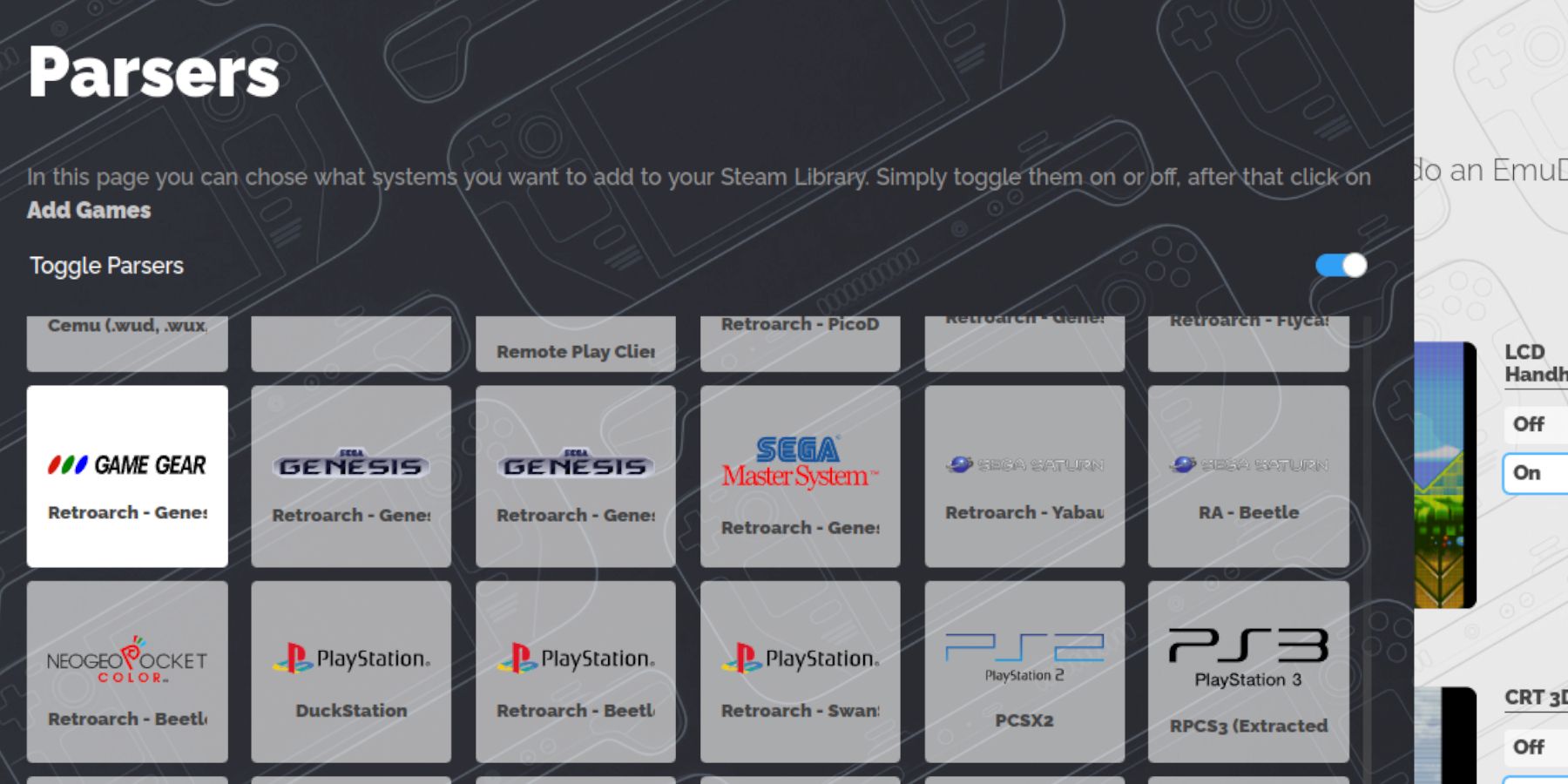 Transfer your ROMs and integrate them into your Steam library.
Transfer ROMs:
- Open Dolphin File Manager in Desktop Mode.
- Navigate to your SD card's
Emulation/ROMs/gamegear folder.
- Transfer your Game Gear ROMs into this folder.
Steam ROM Manager:
- Open EmuDeck and launch Steam ROM Manager.
- Close the Steam Client when prompted.
- Follow the on-screen instructions, selecting the Game Gear parser and adding your games.
- Verify artwork and save to Steam.
Resolving Missing Artwork in EmuDeck
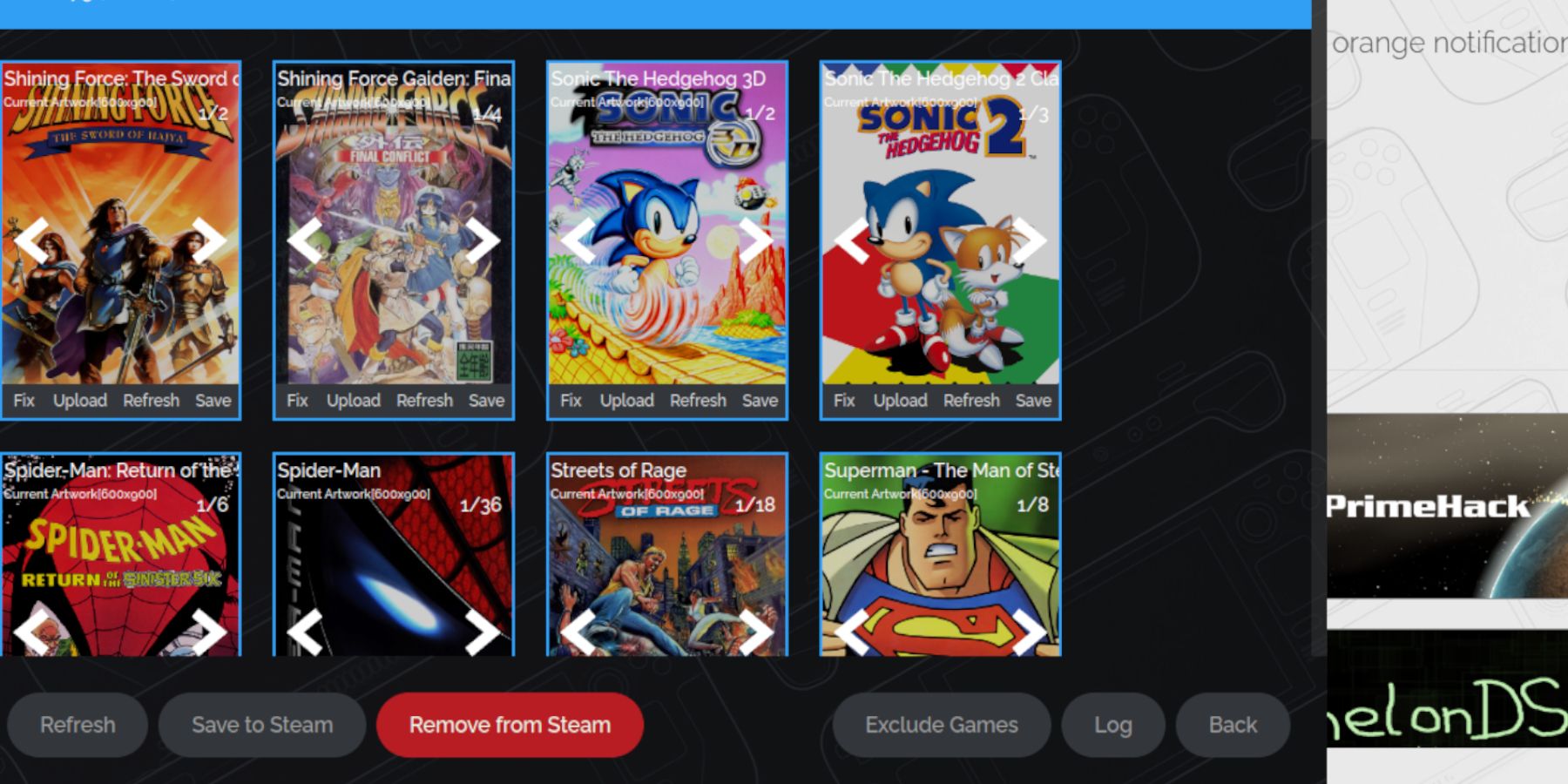 Fix missing or incorrect artwork.
- Use the "Fix" function in Steam ROM Manager to search for and apply correct artwork.
- If the ROM filename includes numbers before the title, rename it to remove these numbers.
- Manually upload missing artwork via the Steam ROM Manager's upload function.
Playing Game Gear Games on the Steam Deck
Access and play your Game Gear games.
- Switch to Gaming Mode.
- Open your Steam Library, then the Collections tab.
- Select your Game Gear game and play.
Performance Settings:
Optimize performance:
- Access the Quick Access Menu (QAM).
- Open the Performance menu.
- Enable per-game profiles and set the Frame Limit to 60 FPS.
Installing Decky Loader on the Steam Deck
 Install Decky Loader for enhanced control.
- Switch to Desktop Mode.
- Download Decky Loader from its GitHub page.
- Run the installer and select Recommended Install.
- Restart your Steam Deck in Gaming Mode.
Installing the Power Tools Plugin
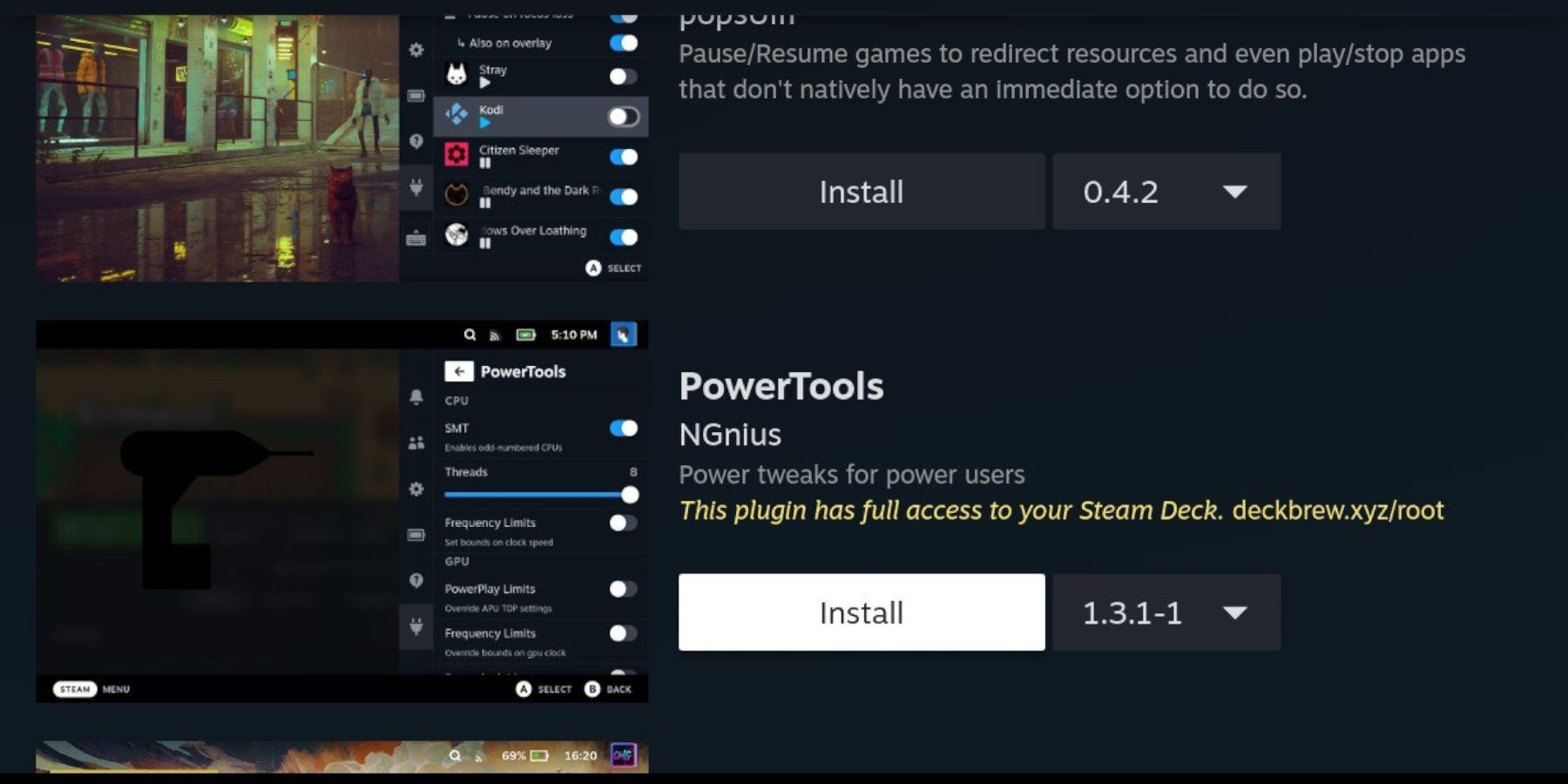 Install and configure Power Tools.
- Access the Decky Loader plugin menu (via QAM).
- Open the Decky Store and install the Power Tools plugin.
- Configure Power Tools: Disable SMTs, set Threads to 4, enable Manual GPU Clock Control, and set GPU Clock Frequency to 1200. Enable per-game profiles.
Troubleshooting Decky Loader After a Steam Deck Update
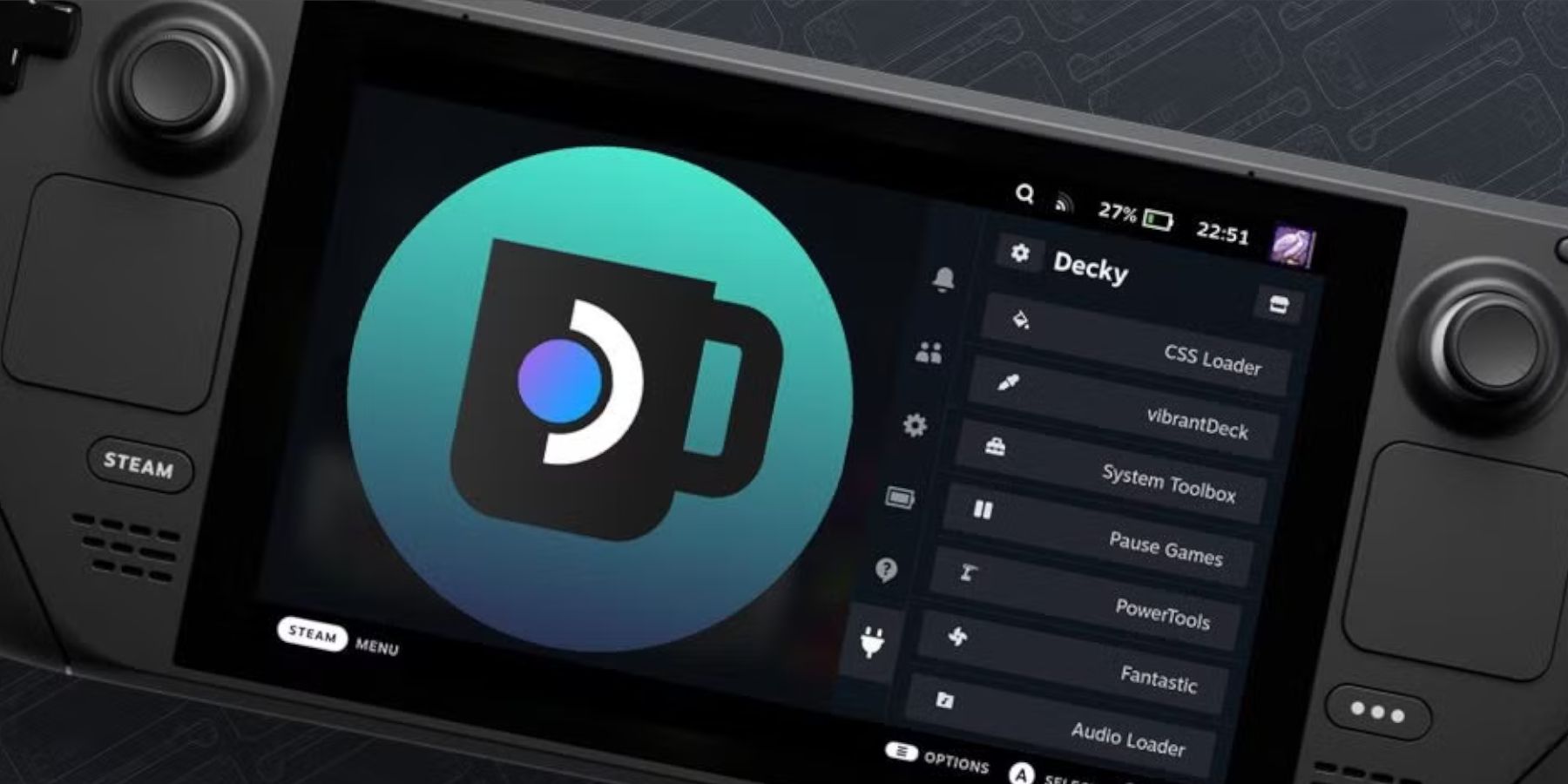 Reinstall Decky Loader after a Steam Deck update.
- Switch to Desktop Mode.
- Download Decky Loader from GitHub.
- Run the installer, using
sudo privileges.
- Restart your Steam Deck.
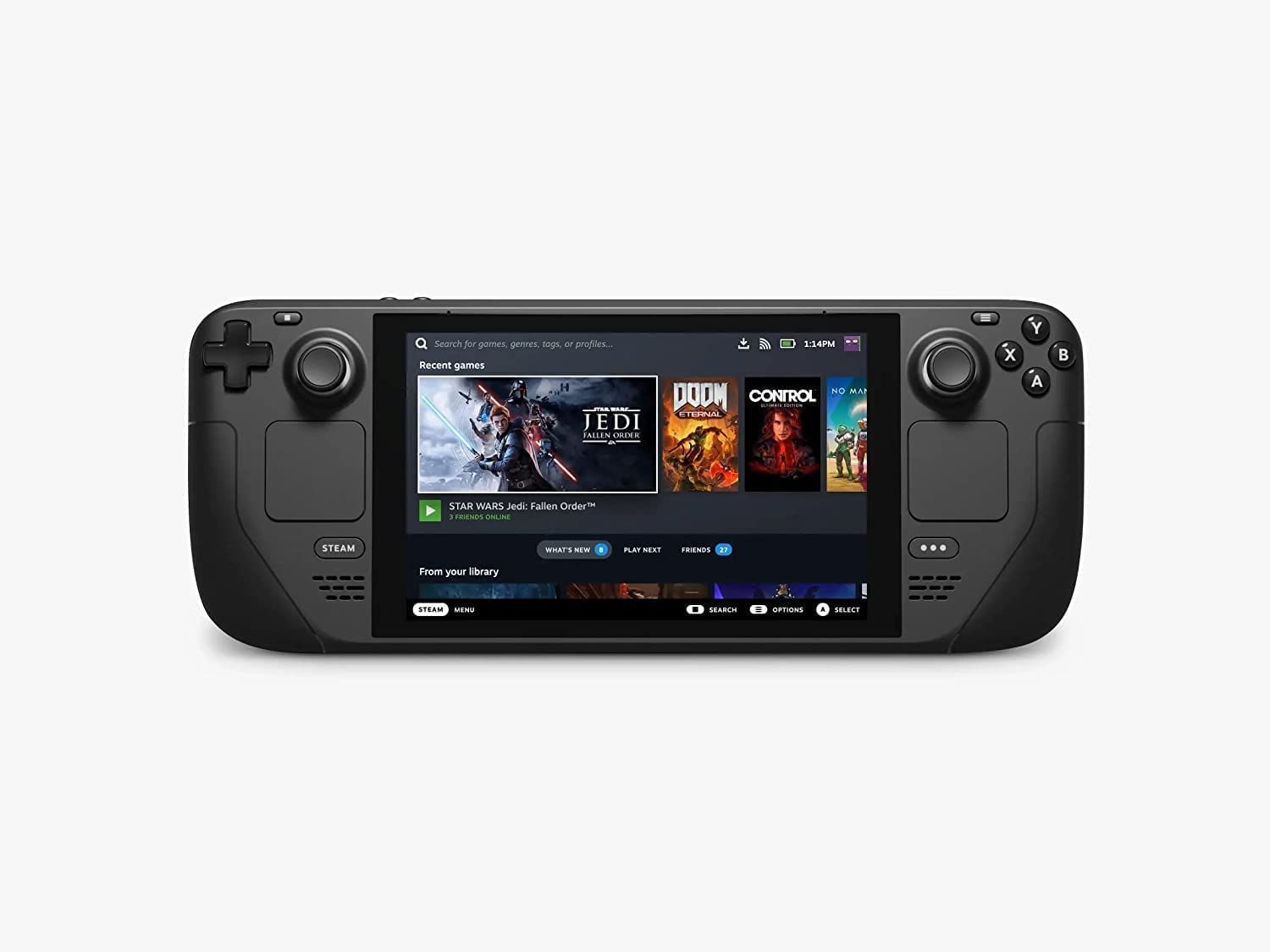 Enjoy your Game Gear games on your Steam Deck!

 LATEST ARTICLES